No code game maker:
make a game without writing code
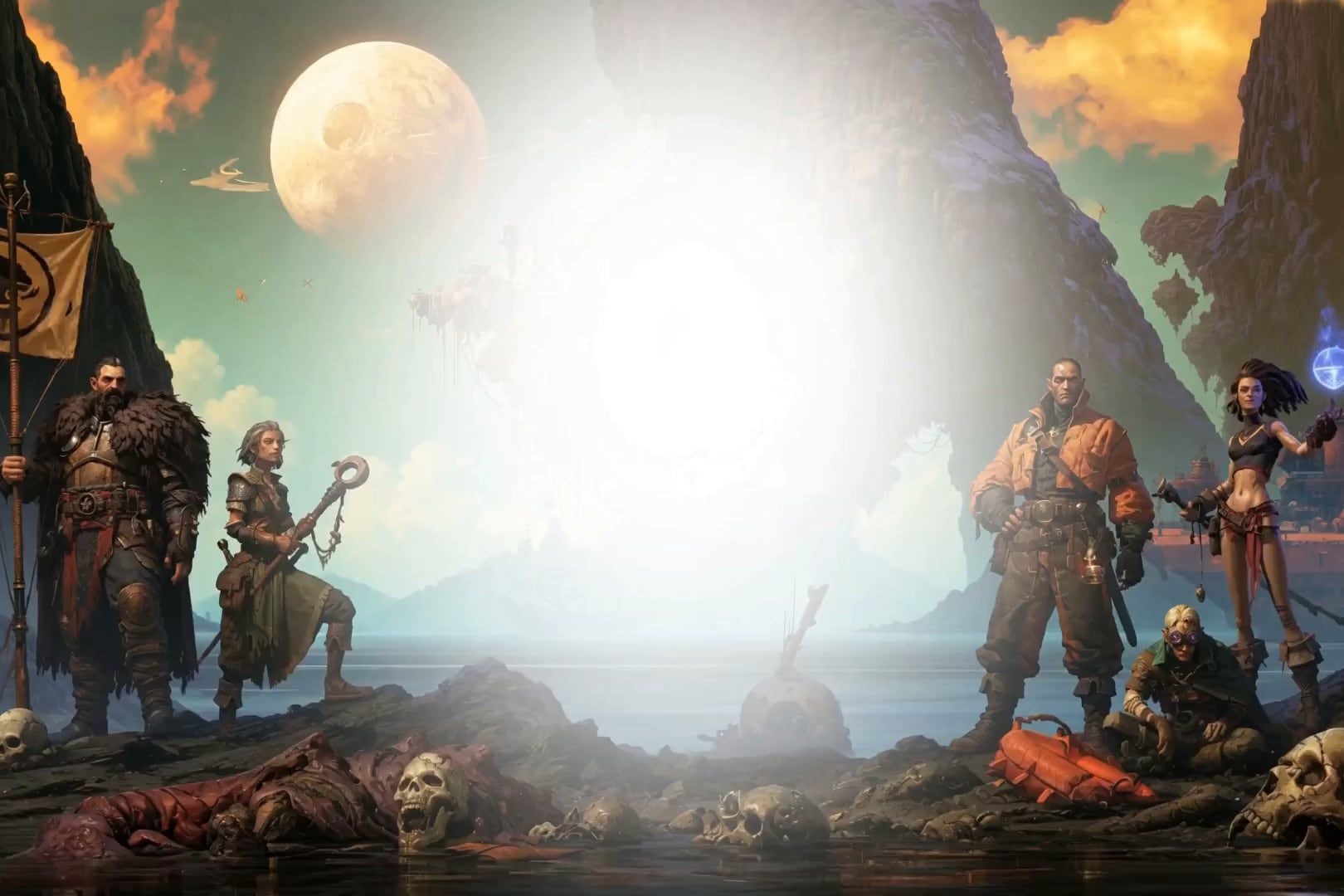
Make a game without writing code on Tesana, a no code game maker that works from plain words. Describe the game, and its AI writes the code for a version to play in your browser. Like a no code game engine you chat with, it takes changes as messages.
What you get from Tesana's no code game engine
Four things you get without opening a code editor.
A real game from a description
Tesana's AI writes real game code from what you type. You play the result in your browser.
Changes by chatting
Ask for a faster player or an extra level, and the AI adds it. Keep going like that until the game is the way you want it.
Pictures and sound included
The AI makes the pictures and sounds while it builds, so you don't need to bring your own. Name a style if you have one in mind.
Code if you want it
You never have to touch the code. If you're curious, open it in the Studio.
How to make a game without coding
Four steps, from your first sentence to a game you can send to a friend.


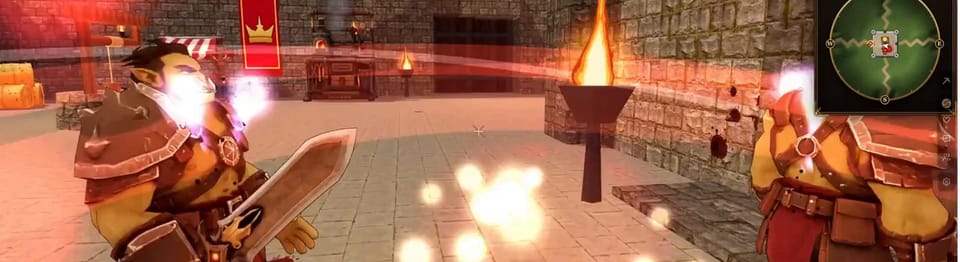
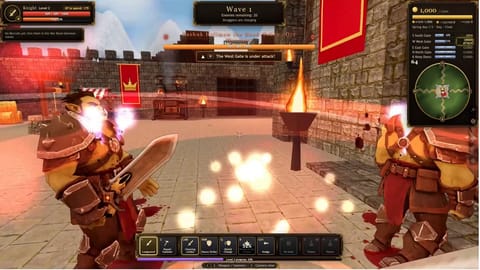
Write a sentence or two about what the player does and where.
Tesana writes the code and makes the art in one build.
Open the first version right away, with nothing to install.
Ask for changes in the chat, then publish the game and send the link.
Games made on Tesana
Try a few games built on Tesana, then describe one of your own.
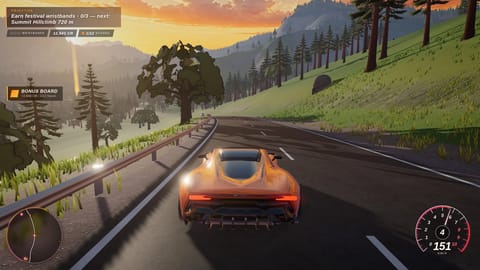
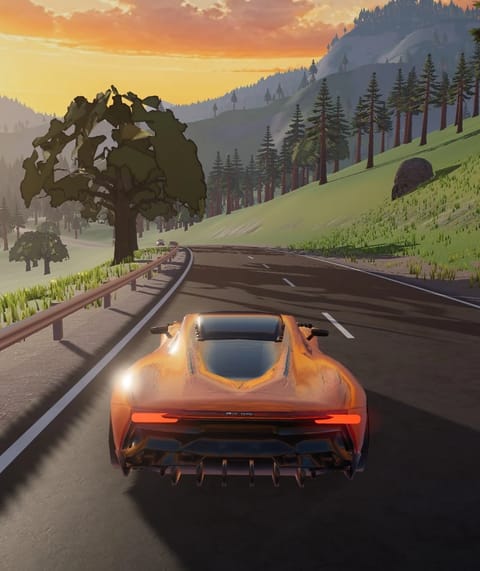
Open Road
@tesanastudios · Racing
3 online8,368 players
Open Road
3 online · @tesanastudios · 8,368 players
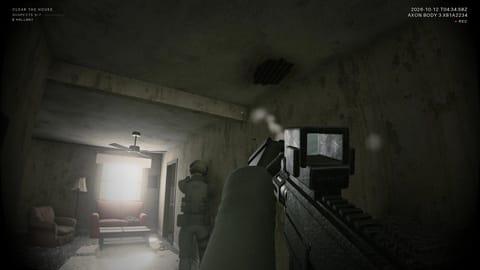
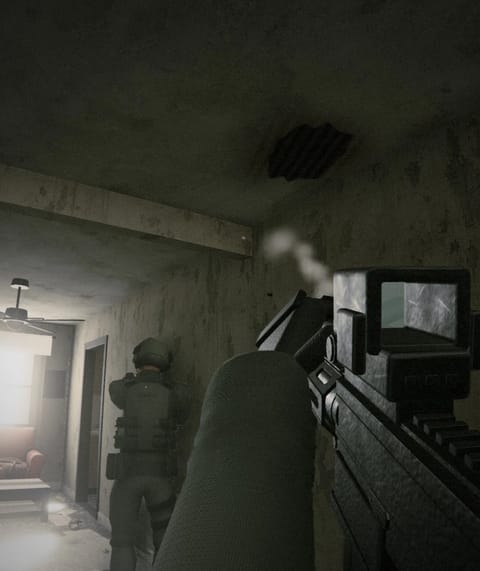
BODY-CAM
@tesanastudios · Shooter
4 online12,946 players
BODY-CAM
4 online · @tesanastudios · 12,946 players
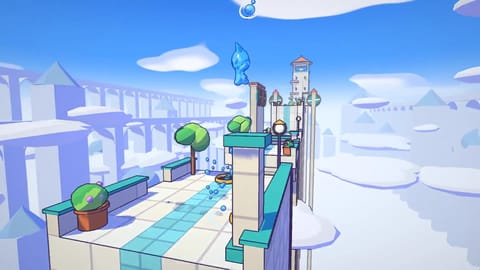
EBB
@jonesiller · Platformer
10 online1,778 players
EBB
10 online · @jonesiller · 1,778 players

Getting there
@jonesiller · Adventure
5 online4,857 players
Getting there
5 online · @jonesiller · 4,857 players
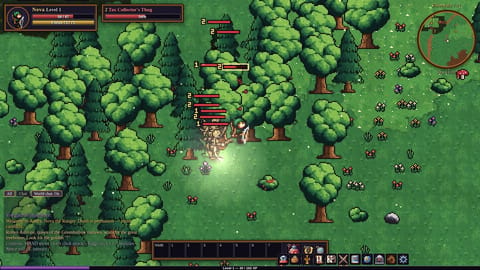
Aestra: The Last Wish
@houser · RPG
5 online29,144 players
Aestra: The Last Wish
5 online · @houser · 29,144 players
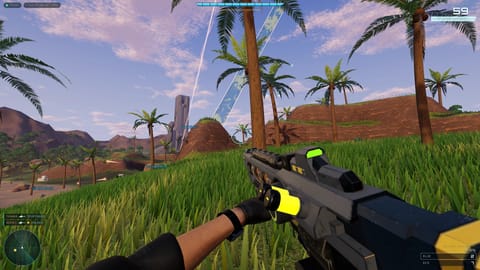
Brasidas
@houser · Shooter
3,895 players
Brasidas
@houser · 3,895 players
More of what Tesana does
- Text to game Describe a game in words and play it.
- Game templates Start from one of Explore's ideas.
- Game idea generator Shape an idea in Plan chat before you build.
- AI game assets The 3D models and images the AI makes for your game.
- AI sprites Sprite images for a 2D game, made on the Godot engine.
- AI sound effects Sound effects for your game, made as it's built.
- AI game music A soundtrack made to match your game's mood.
- Publish your game Put your game on Tesana for others to play.
- Sell your game Set a price for your game, on a paid plan.
- Export your game Download your game, or an original game's source code, on a paid plan.
- Game trailers AI trailers for your game. Coming soon.
Make your first game without code
Describe it in a sentence, and Tesana's AI does the coding.
Questions about no code game makers
What people ask before they make a game without code.
How do I make a game in an easy way without coding?
Describe it to an AI game maker such as Tesana. Write what the player does and where the game happens, and Tesana's AI writes the code and builds a version you can play. Then ask for changes in the chat until it plays the way you want.
Is there a free no code game maker?
Planning a game on Tesana is free once you've signed up. Building it needs a paid plan or credits, and selling it needs a paid plan.
Does a no code game maker work for 3D games?
It does on Tesana. Say you want a 3D game and where the camera sits, and the AI builds a world you can move around in. The 3D game maker page has ideas to start from.
Do I ever need to look at the code?
No. You can make and change the whole game by chatting. Tesana writes real game code, and you can open it in the Studio if you want to see how it works.
What kinds of games can I make without coding?
Anything you can describe in a few sentences, in 2D or 3D, from a puzzle to an online shooter. A game built around one clear idea is the easiest place to start, and you can add to it later.
Can I sell a game I made without code?
You can, once you're on a paid plan. Set a price in the game's settings, and players buy it from its page on Tesana. The sell your game page has the details.
Is a no code game maker good for beginners?
It's a good place to start, since all you do is describe the game. You can try an idea out in a few sentences, then build on it one message at a time.
Do I own the games I make?
On a paid plan the games you make are yours to sell, and the code of a game you made from scratch is yours outright. The art Tesana's AI made comes with full rights to use it in your game, though not exclusively.
Which platforms can my game run on?
A game made on Tesana today plays in the browser from its link. One built for phones has touch controls, and one built for a computer uses the keyboard and mouse. On a paid plan you can also export a game you made as an app for macOS or Windows.