
Publish a game online:
put the game you made on Tesana
To publish a game online with Tesana, make it public: it gets its own page on Tesana and a link anyone can open to play it in their browser. Make the game first by describing it to Tesana's AI, then check it's public in its settings and share the link.
What publishing on Tesana gives your game
Once a game is public, people can open it and play.
Its own page
A public game gets its own page on Tesana. It's where players open the game and where your link points.
A link to send
Share the link in a group chat or a post, and people play from it. There's nothing for them to install first.
Played in the browser
Browser games open with nothing to download, on a phone or a computer.
An address of its own
A public game gets an address of its own on Tesana, and you can change it in the game's settings.



From an idea to a published game
Build it, check it, then make it public.


Describe the game, and Tesana's AI builds the first version.
Change anything you want by chatting, then share the link.
Make sure the game is set to public in its settings, and fill in its page.
Post it anywhere, and people can play from it.
Games made on Tesana
Recently published on Tesana: try a few new games from its creators.
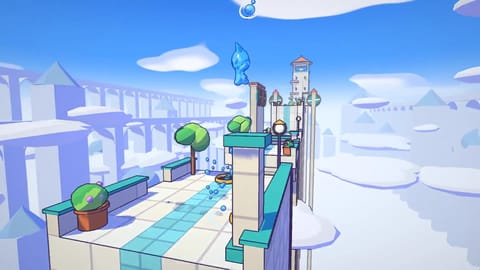
EBB
@jonesiller · Platformer
9 online1,790 players
EBB
9 online · @jonesiller · 1,790 players

Getting there
@jonesiller · Adventure
4 online4,859 players
Getting there
4 online · @jonesiller · 4,859 players
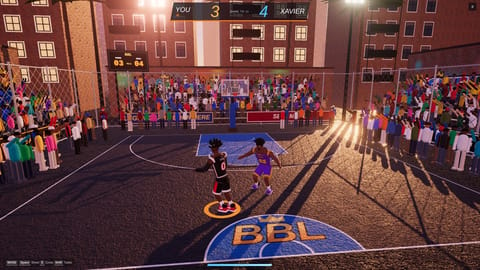
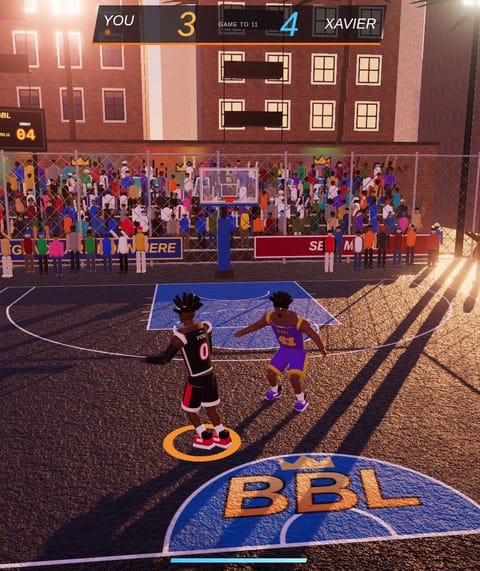
BBL - Blacktop Basketball League
@lajuaneg34 · Sports
878 players
BBL - Blacktop Basketball League
@lajuaneg34 · 878 players
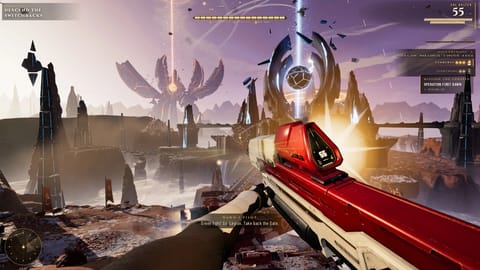
SOL: The Last Imperium
@jonesiller · Shooter
1,013 players
SOL: The Last Imperium
@jonesiller · 1,013 players
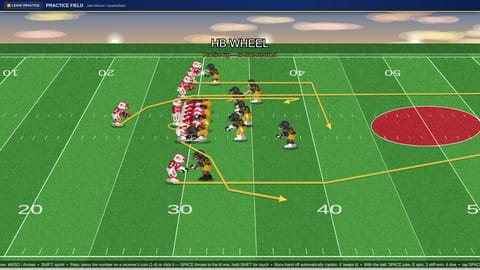
Road to Glory 27
@chase71 · Sports
285 players
Road to Glory 27
@chase71 · 285 players
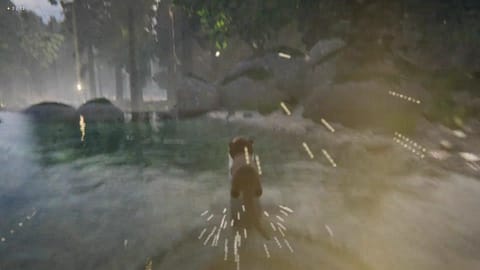
Fernwake
@Juicer · Adventure
192 players
Fernwake
@Juicer · 192 players
More of what Tesana does
- Sell your game Set a price for your game, on a paid plan.
- Export your game Download your game, or an original game's source code, on a paid plan.
- Game trailers AI trailers for your game. Coming soon.
- Text to game Describe a game in words and play it.
- No-code game maker Build a game by describing it, with no code.
- Game templates Start from one of Explore's ideas.
- Game idea generator Shape an idea in Plan chat before you build.
- AI game assets The 3D models and images the AI makes for your game.
- AI sprites Sprite images for a 2D game, made on the Godot engine.
- AI sound effects Sound effects for your game, made as it's built.
- AI game music A soundtrack made to match your game's mood.
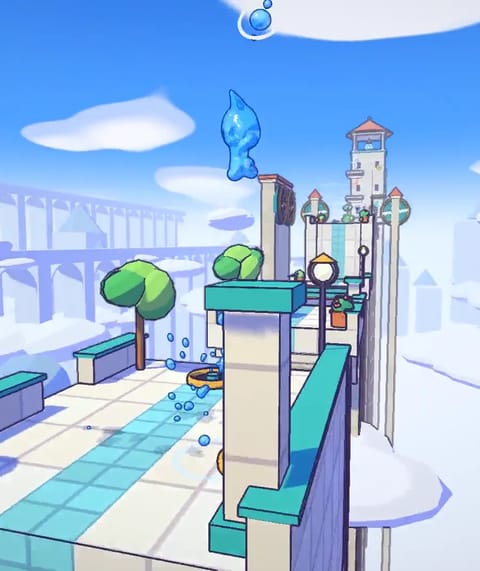
Make a game to publish
Describe it today, and share the link once it's built.
Questions about publishing a game on Tesana
What people ask before they share their first game.
Where can I publish a game online?
You can publish a game you made with Tesana's AI on Tesana itself. It gets a public page and a link people open in their browser.
Can I update a game after I publish it?
Yes. Keep changing it by chatting in the Studio, and each finished change reaches players straight away. If you'd rather release updates yourself, switch the game to manual releases.
Can people play my game on a phone?
A browser game opens in a phone's browser from its link, so people can play on a phone without installing anything. Ask for touch controls when you describe the game if you want it to suit a phone.
Can I charge for my published game?
On a paid plan you can set a price, and players buy the game from its page. The sell your game page explains how.
Can I publish my game outside Tesana?
Not straight from Tesana. On a paid plan you can export the game and put it up elsewhere yourself, and the export page covers what you can download.
Who can see my published game?
Anyone with the link can play a public game, and it has its own page on Tesana.
How do I help people find my game?
Fill in its page with a clear name and a line about what the player does. Then share the link where your friends and players already are.