AI game asset generator:
assets made for your game while it's built
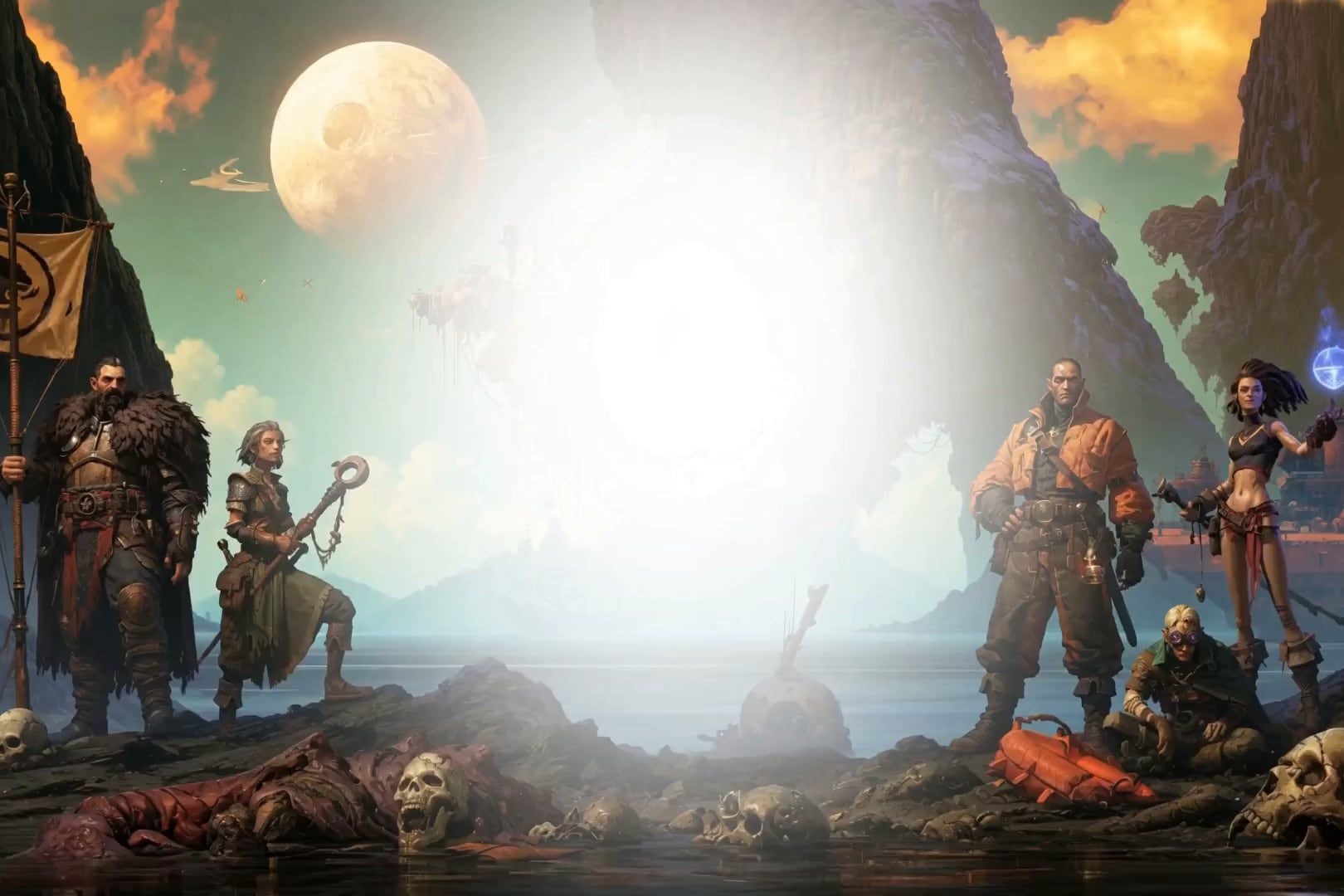
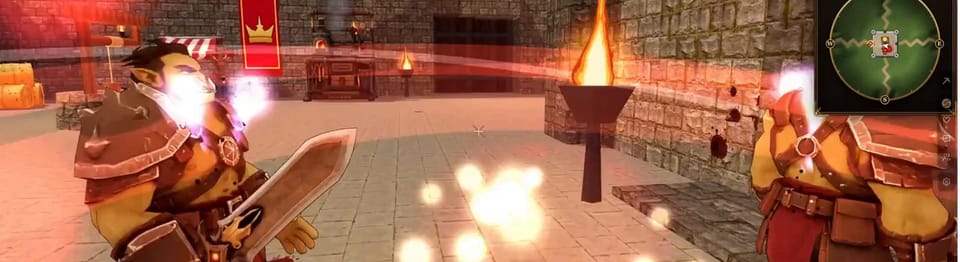
Tesana's AI game asset generator makes your game's 3D models and images as it builds, on a paid plan or after buying credits. Describe the game, and the AI makes what it needs, from characters to scenery. The Assets tab lets you see each one, redo it or remove it.
AI game assets that come with your game
Each asset is made for the game you describe.
Made during the build
The AI makes the assets while it writes the game's code. They're made for that game, so the style matches what you described.
All in the Assets tab
Open the Studio to see each model and image your game uses.
Regenerate one
Not happy with a character? Make a new version of just that asset, and the rest of the game stays as it was.
Bring your own on Max
On the Max plan and above you can also import models and sounds you made yourself.

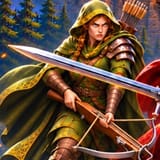
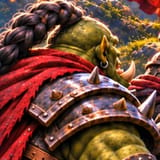

How to make game assets with AI on Tesana
The assets come from the same description as the game.


Include the style, like pixel art or clay, and a reference picture if you have one.
The game's code and its assets come out of the same build.
Play the game, then look through what the AI made.
Regenerate an asset or delete it, then try the game again.
Games made on Tesana
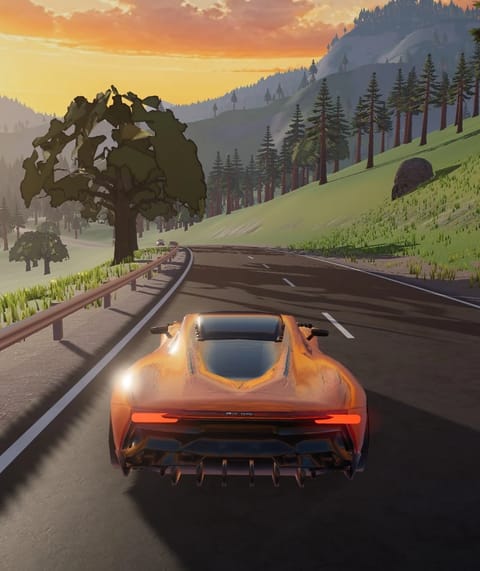
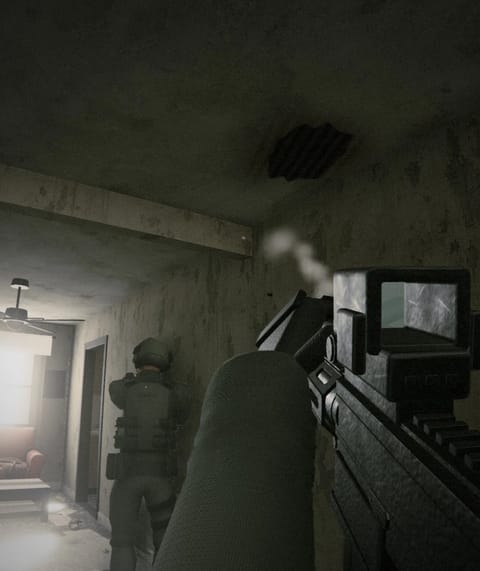
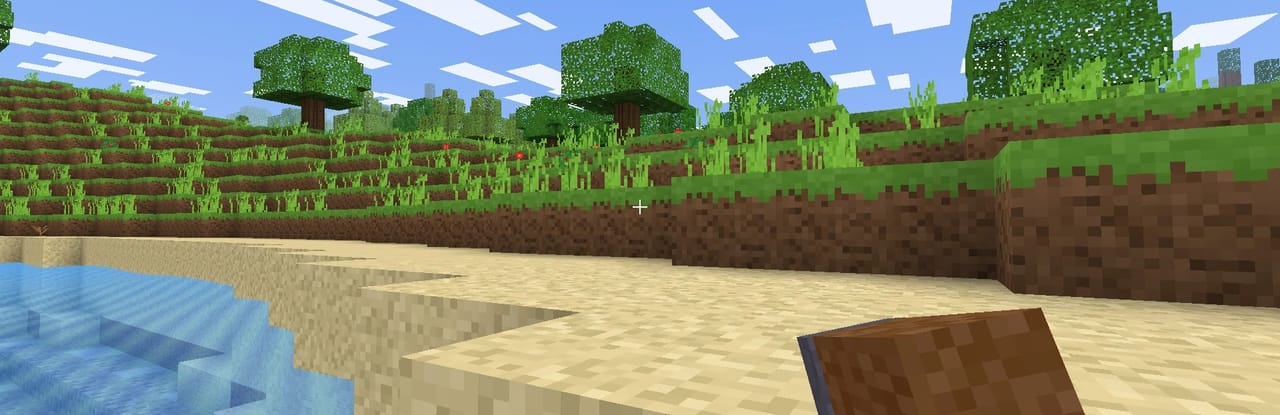
Look at the art in a few games made on Tesana, then describe your own.
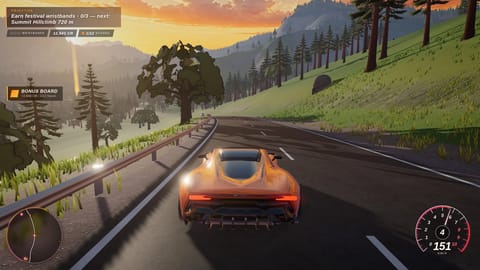
Open Road
@tesanastudios · Racing
3 online8,368 players
Open Road
3 online · @tesanastudios · 8,368 players
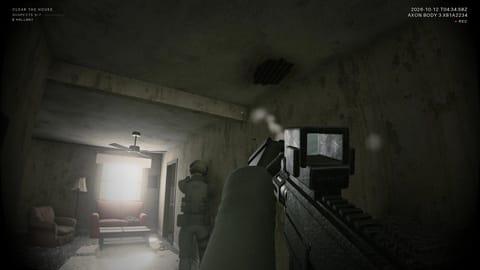
BODY-CAM
@tesanastudios · Shooter
6 online12,946 players
BODY-CAM
6 online · @tesanastudios · 12,946 players
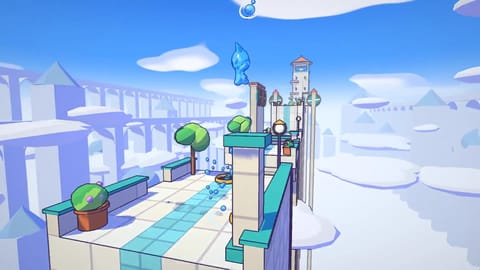
EBB
@jonesiller · Platformer
10 online1,778 players
EBB
10 online · @jonesiller · 1,778 players
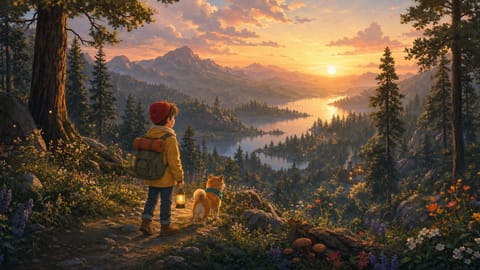
Getting there
@jonesiller · Adventure
4 online4,857 players
Getting there
4 online · @jonesiller · 4,857 players
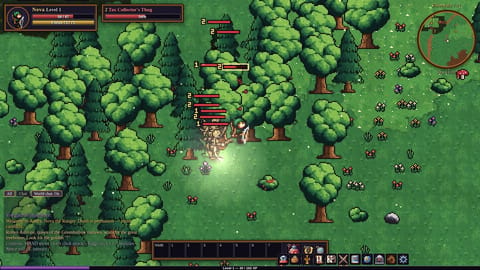
Aestra: The Last Wish
@houser · RPG
5 online29,144 players
Aestra: The Last Wish
5 online · @houser · 29,144 players
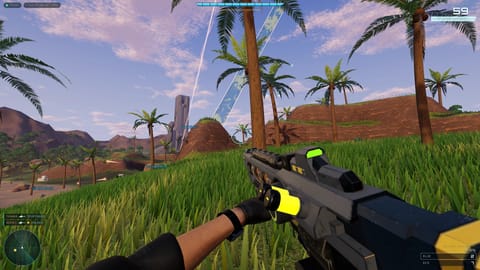
Brasidas
@houser · Shooter
3,895 players
Brasidas
@houser · 3,895 players
More of what Tesana does
- AI sound effects Sound effects for your game, made as it's built.
- AI sprites Sprite images for a 2D game, made on the Godot engine.
- AI game music A soundtrack made to match your game's mood.
- Text to game Describe a game in words and play it.
- No-code game maker Build a game by describing it, with no code.
- Game idea generator Shape an idea in Plan chat before you build.
- Game templates Start from one of Explore's ideas.
- Publish your game Put your game on Tesana for others to play.
- Export your game Download your game, or an original game's source code, on a paid plan.
- Sell your game Set a price for your game, on a paid plan.
- Game trailers AI trailers for your game. Coming soon.
Make a game with its own assets
Describe the game, and the art and sound come with it.
Questions about Tesana's AI game asset generator
What people ask about the models and images the AI makes for a game.
Can I use AI to generate game assets?
Yes. On a paid plan, or after buying credits, Tesana's AI makes the 3D models and images while it builds your game, to suit its look. You can see and redo each one in the Studio's Assets tab.
Can I download a single asset?
Not on its own. Tesana makes assets inside the game you're building, and there's no button to download one file. You can open each asset in the Assets tab, then regenerate it or delete it.
Is Tesana's AI game asset generator free?
Planning a game is free with a Tesana account. Building it, assets included, needs a paid plan or credits.
Can I use my own assets?
When you describe the game you can add reference pictures to guide the style. Importing your own models, audio and sprites into a game comes with the Max plan and above.
Who owns the assets the AI makes?
You don't own them outright. On a paid plan you can use them in your game, commercially too, but the rights aren't exclusive, since Tesana can reuse assets its AI made in other creators' games. Files you upload yourself stay yours alone.
What kinds of assets does it make?
3D models and images for the characters and scenery, made for the game you described. Sound effects and music are written into the game's code instead, so they don't show in the Assets tab.
Which AI asset generator is the best?
That depends on where the assets are going. For a game you're making, Tesana makes them as it builds the game, so they suit the game you described. For one image or sound to use somewhere else, a stand-alone generator suits you better.
Can I use the assets in Unity or Godot?
Not one file at a time, since Tesana's assets live inside the game it builds. On a paid plan you can download an original game's source code, assets included, for use in that game. A game built on the Godot engine exports as a Godot project.
How do I keep one art style across my game?
Name one style in your first description, such as pixel art or flat colors, and add a reference picture if you have one. If an asset comes out in a different style, regenerate it in the Assets tab or ask for a match in the chat.