AI sprite generator:
sprites drawn for your game on the Godot engine
Tesana's AI sprite generator draws your game's sprites as it builds the game on the Godot engine. Choose Godot in Settings, under Preferences, before you start. Generated sprites come on a paid plan or after buying credits, and Tesana's default engine draws 2D art in code instead.
A sprite generator inside a 2D game maker
On the Godot engine, the sprites are drawn for the game you describe and used in it as soon as the build is done.
Drawn in your style
Ask for pixel art or soft pastels, and the sprites follow that style. Name the style in the same sentence as the game.
Ready in the game
Each sprite goes into the game the AI builds, so you see it in play without placing it yourself.
Chosen in Settings
Pick Godot as the engine for new games in Settings, under Preferences. Games you've already made keep their engine.
Redo one in the Studio
Regenerate a single sprite in the Assets tab, or delete one the game doesn't need, and keep the rest.

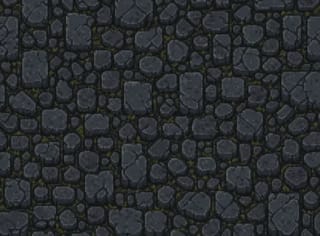
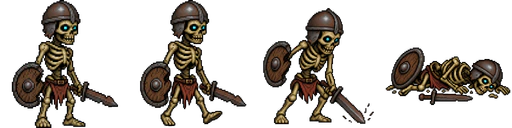
How to make sprites for a 2D game with AI
Set the engine first, then describe the game and how its sprites look.
1. Choose Godot
In Settings, under Preferences, set the engine for new games to Godot.
2. Describe the characters
Say who's in the game and the art style you want.
3. Let Tesana draw them
On a paid plan, or after buying credits, the AI makes the sprites while it builds the game.
4. Redraw what's off
Regenerate a sprite in the Assets tab, or delete it.
Games made on Tesana
Try a few 2D games made on Tesana before you pick an engine for yours.
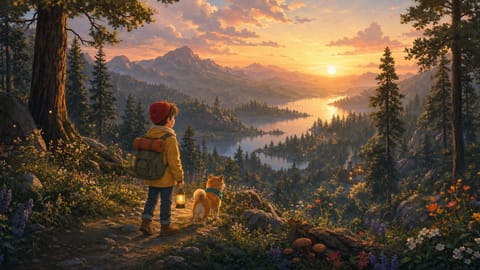
Getting there
@jonesiller · Adventure
4 online4,857 players
Getting there
4 online · @jonesiller · 4,857 players
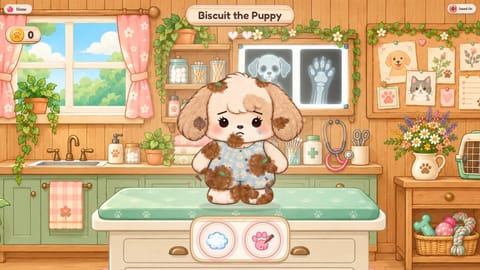
W.L. Veterinary Cottage
@margmakes · Simulation
166 players
W.L. Veterinary Cottage
@margmakes · 166 players
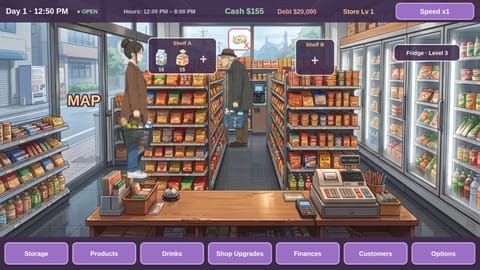
Cozy Grocery Store
@vicky88811 · Simulation
198 players
Cozy Grocery Store
@vicky88811 · 198 players
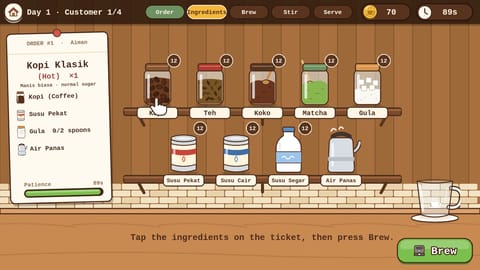
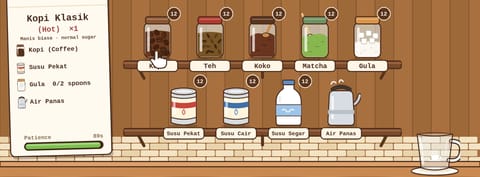
Kopi Rakyat: Brew & Build
@alya5 · Simulation
48 players
Kopi Rakyat: Brew & Build
@alya5 · 48 players
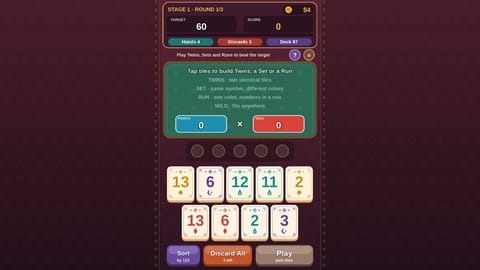
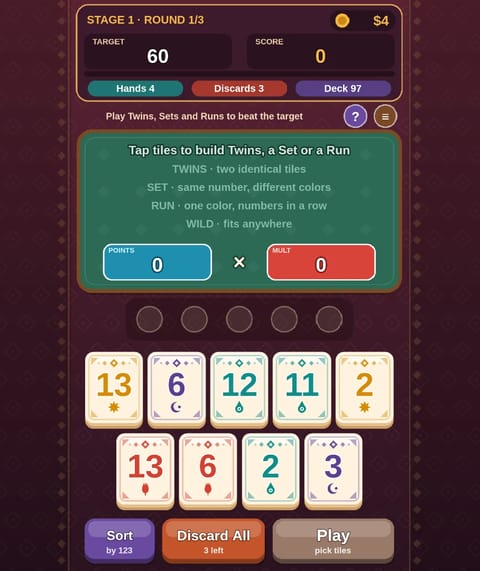
Rummy Run
@severgames · Puzzle
63 players
Rummy Run
@severgames · 63 players
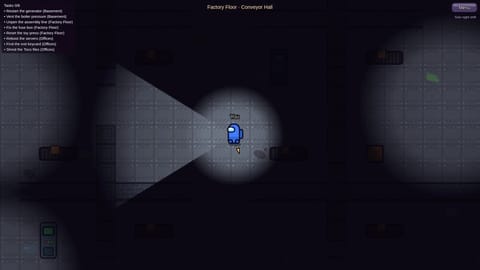
Last Friday
@alexander7383 · Horror
67 players
Last Friday
@alexander7383 · 67 players
More of what Tesana does
- AI game assets The 3D models and images the AI makes for your game.
- AI sound effects Sound effects for your game, made as it's built.
- AI game music A soundtrack made to match your game's mood.
- Text to game Describe a game in words and play it.
- No-code game maker Build a game by describing it, with no code.
- Game templates Start from one of Explore's ideas.
- Game idea generator Shape an idea in Plan chat before you build.
- Publish your game Put your game on Tesana for others to play.
- Sell your game Set a price for your game, on a paid plan.
- Export your game Download your game, or an original game's source code, on a paid plan.
- Game trailers AI trailers for your game. Coming soon.

Make a 2D game with its own sprites
Choose Godot, describe the characters, and Tesana's AI draws them into the game.
Questions about Tesana's AI sprite generator
What people ask about the characters in their 2D games.
Can I download a sprite?
There's no download for a single sprite, since Tesana makes sprites inside the game it's building. On a paid plan you can export an original game as a Godot project, sprites included.
Do I need a paid plan for AI sprites?
You need a paid plan or credits you've bought, and a game built on the Godot engine. Accounts that have never paid build from Tesana's library of ready-made art instead, and planning a game needs only an account.
Can I use my own sprites?
Importing sprites you've drawn yourself comes with the Max plan and above. Otherwise, on a paid plan or after buying credits, Tesana's AI makes them for a game built on the Godot engine.
Does Tesana make sprite sheets?
Yes, in a game built on the Godot engine. As Tesana's AI builds the game, it makes a sprite sheet for each character and animation, such as idle, drawn from your game's camera angle.
What app can I use to make sprites?
For sprites that end up in a game, Tesana's AI makes them while it builds a game on the Godot engine. For a sprite on its own to use somewhere else, a drawing app or a stand-alone sprite tool is the better fit.
What style can the sprites be?
Name the style when you describe the game, such as pixel art or a flat cartoon look, and the AI draws the sprites in it. A reference picture helps when a style is hard to put into words.
Does it work for 3D games?
Sprites are for 2D games. In a 3D game, Tesana's AI makes 3D characters and scenery instead, in the same build. The AI game assets page covers both.
Can I use the sprites commercially?
On a paid plan you can sell the game you make on Tesana, sprites and all. The sprites come with full rights to use them in your game, including commercially, though Tesana may reuse them in other games.
Why do sprites need the Godot engine?
Tesana's default engine draws a 2D game's art in its code, so there are no sprite images to make. Sprite images come from the Godot engine, which you can choose for new games in Settings.
Can I make variations of one character?
Ask in the chat for a second character in the same style, such as a red knight to go with a blue one. Regenerating a sprite in the Studio gives you a new version in place of the old one.