AI sound effect generator:
sound effects made for your game
Tesana's AI sound effect generator writes the sounds for your game while it builds it, as part of the game's code. Describe the game, and its sound effects are made to match, ready to hear as you play in your browser. Want a different one? Ask in the chat.
A sound effect generator built into the game maker
The sounds are part of the game the AI builds, so there's no separate tool to open.
Made with the game
Each sound is written during the same build as the game's code and art. You don't add them yourself.
Heard in your browser
Play the game and the sounds are there, with nothing to download.
Written into the code
On Tesana's default engine the sounds aren't separate audio files. The AI writes them into the game itself, so they're there every time it runs.
Changed by chatting
Ask for a softer chime or a louder crash, and the AI rewrites that sound in the game.
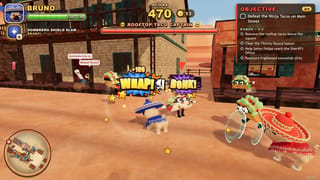
How to make sound effects for your game with AI
Four steps, from an idea to a game with its own sound.
1. Describe the game and its sounds
Mention the sounds you want, such as a soft chime for coins.
2. The AI builds it
Your sound effects are made as part of that build.
3. Play it with the sound on
Listen for anything that doesn't fit.
4. Fix what you hear
Ask for a different sound in the chat, then play that part again.
Games made on Tesana
Turn the sound up and try a few games made on Tesana.
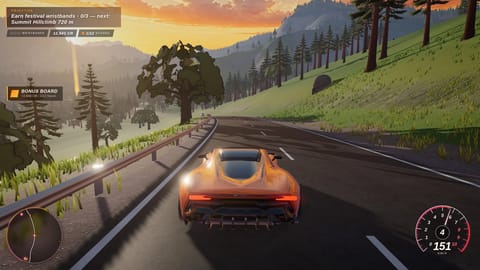
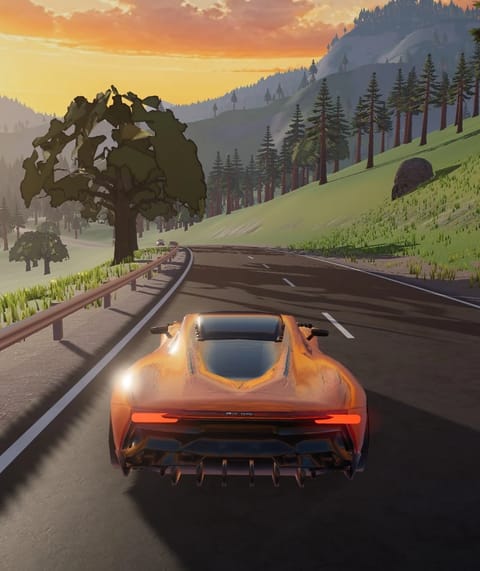
Open Road
@tesanastudios · Racing
3 online8,368 players
Open Road
3 online · @tesanastudios · 8,368 players
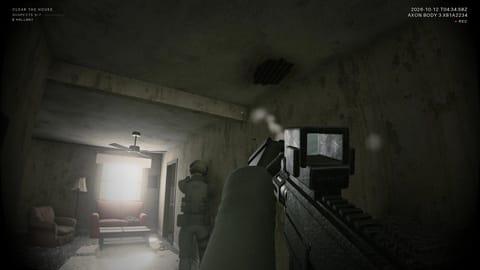
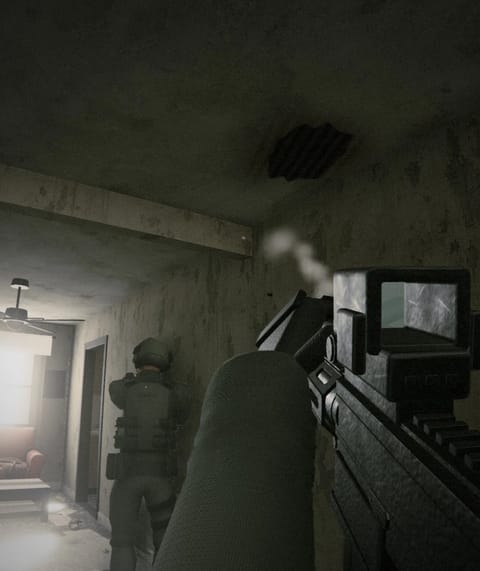
BODY-CAM
@tesanastudios · Shooter
6 online12,946 players
BODY-CAM
6 online · @tesanastudios · 12,946 players
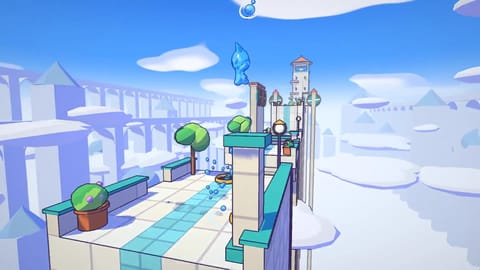
EBB
@jonesiller · Platformer
9 online1,778 players
EBB
9 online · @jonesiller · 1,778 players

Getting there
@jonesiller · Adventure
4 online4,857 players
Getting there
4 online · @jonesiller · 4,857 players
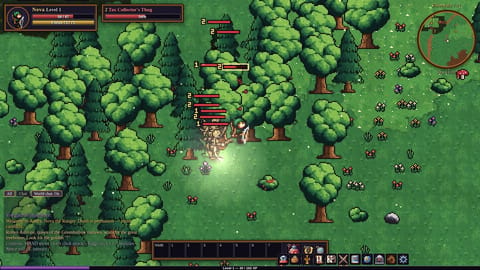
Aestra: The Last Wish
@houser · RPG
5 online29,144 players
Aestra: The Last Wish
5 online · @houser · 29,144 players
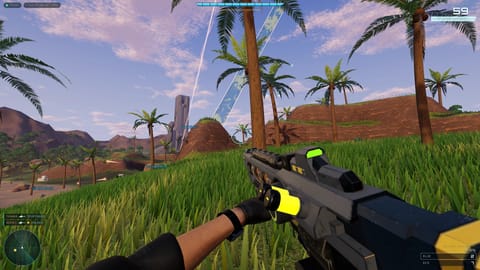
Brasidas
@houser · Shooter
3,895 players
Brasidas
@houser · 3,895 players
More of what Tesana does
- AI game music A soundtrack made to match your game's mood.
- AI game assets The 3D models and images the AI makes for your game.
- AI sprites Sprite images for a 2D game, made on the Godot engine.
- Text to game Describe a game in words and play it.
- No-code game maker Build a game by describing it, with no code.
- Game templates Start from one of Explore's ideas.
- Game idea generator Shape an idea in Plan chat before you build.
- Publish your game Put your game on Tesana for others to play.
- Sell your game Set a price for your game, on a paid plan.
- Export your game Download your game, or an original game's source code, on a paid plan.
- Game trailers AI trailers for your game. Coming soon.
Make a game with its own sound
Describe it, and Tesana's AI builds it, sound effects included.
Questions about Tesana's AI sound effect generator
What people ask about the sound in their games.
Can I download a sound effect on its own?
No. Tesana writes sound effects into the code of the game it builds, so there's no audio file to download. To change one, ask for it in the chat.
Is Tesana's AI sound effect generator free?
Planning a game with sound effects in it is free with an account. You'll need a paid plan or credits to build the game, and its sounds come with that build.
Can I use my own sound files?
Importing your own audio comes with the Max plan and above. Otherwise, the AI writes every sound in the game for you.
What kinds of sound does it make?
Sounds for what happens in the game, such as a jump, a swish between lanes or the end of a run. The AI writes the ones your game needs, and you can ask for more in the chat.
How do I ask for a particular sound?
Mention it when you describe the game, the way you'd describe it to a friend: a soft chime for coins, a heavy thud when a crate lands. If it comes out wrong, ask for a change in the chat.
Can I use the sound effects in a game I sell?
Yes, as part of your game, on a paid plan, which includes commercial rights to the games you make.
Can I make sound effects for a game made somewhere else?
Not with Tesana. Its sound effects are written into games built on Tesana. For a game made in another engine, a stand-alone sound effect generator is the tool to use.
Do I need audio editing experience?
No. You describe the sounds in plain words, and Tesana's AI writes them into the game. Changing one is a message in the chat, with no audio software involved.