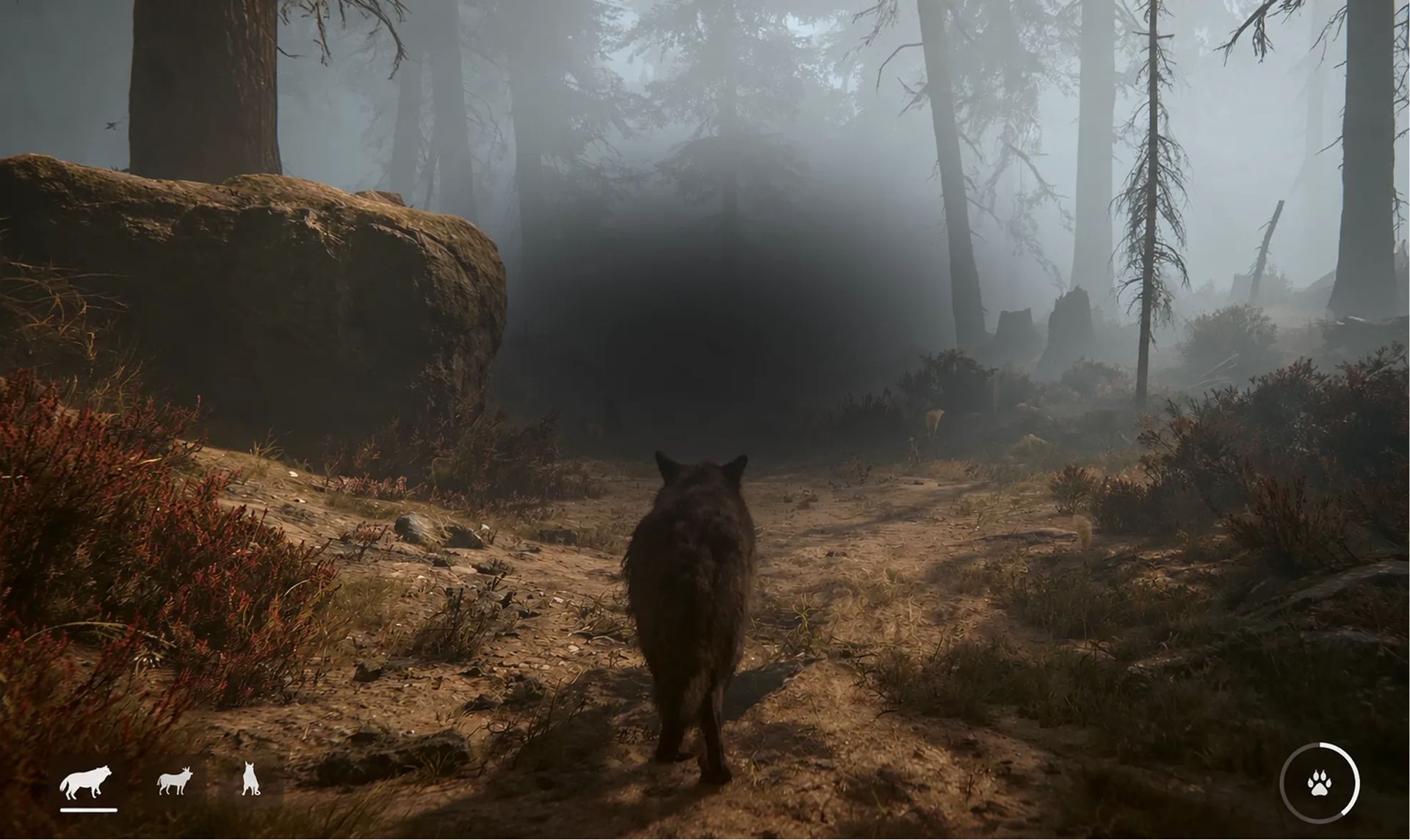
3D games, made with AI
3D game maker:
make a 3D game with AI
Make a 3D game by describing the world and what the player does there. Tesana's 3D game maker builds it with AI, ready to explore in your browser.
What makes a good 3D game?
A good 3D game gives the player a space they can read at a glance and a reason to cross it. Put these four in your first prompt and the rest builds on them.
A camera that suits the game
First-person puts the player behind the character's eyes, while third-person keeps the character on screen. Choose before you start, since the camera shapes the controls and every level.
Landmarks to steer by
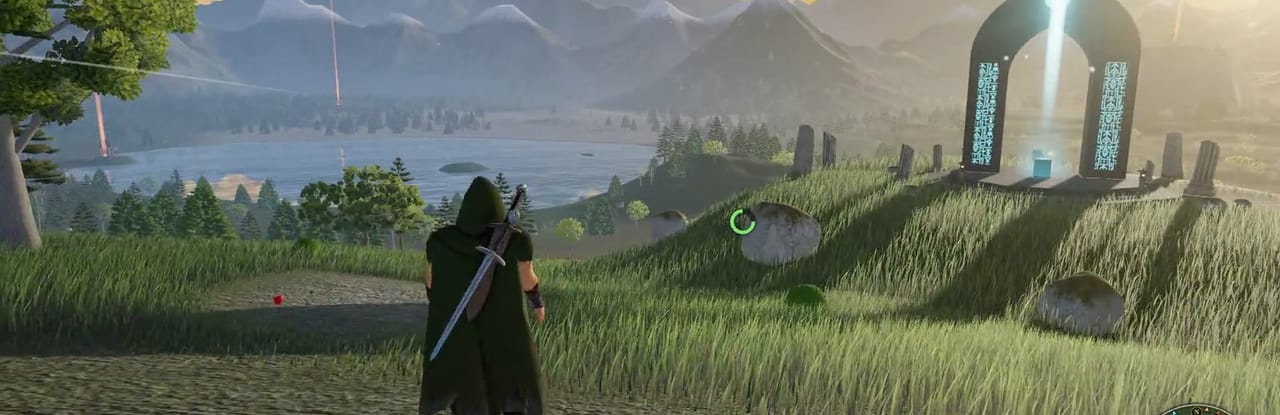
Players find their way in 3D by what they can see. A lit doorway or a tower on the horizon does the job of an arrow on the screen.
Movement that feels right
On a laptop most players expect WASD to move and the mouse to look around. Say how fast the character runs and how high it jumps, then adjust once you've played it.
One art style, kept
Pick a look, low-poly or voxel for example, and stay with it. Simple shapes in one style read better than detailed ones that clash.
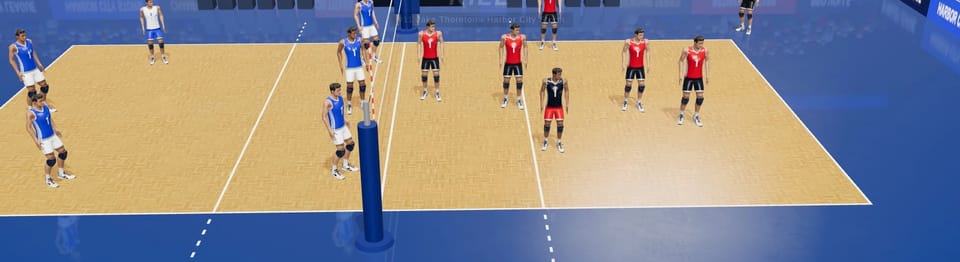
How to make a 3D game with Tesana
Describe the space first, then walk around it before you add more. As a 3D game creator that works in your browser, Tesana takes every change after the first build as a message in the chat, with no code to touch.


Play 3D games made on Tesana
The 3D tag on Play gathers games other creators made, and every public game shows the prompts behind it. Open one before you write yours.
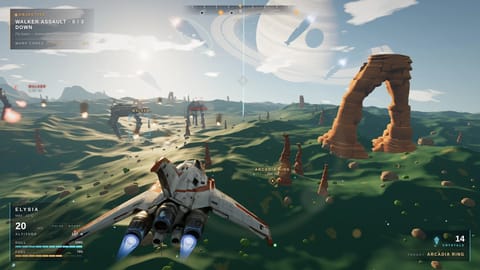
Sky Reach
@jonesiller · Platformer
18.341 jogadores
Sky Reach
@jonesiller · 18.341 jogadores
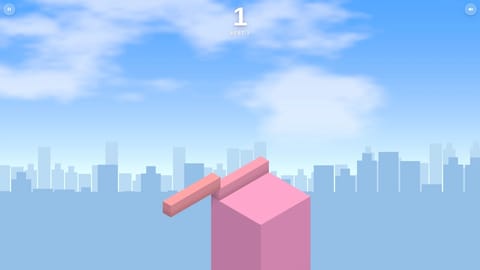
Neon Stack
@alexandredorigao · Arcade
1.207 jogadores
Neon Stack
@alexandredorigao · 1.207 jogadores
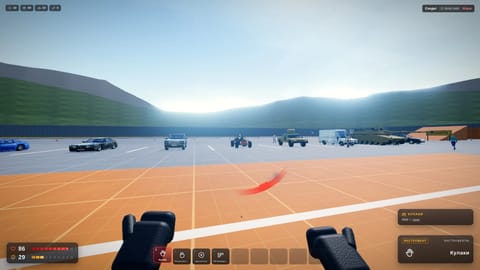
BLOODBOX - Physics Sandbox
@audit_e7f02cad · Sandbox
485 jogadores
BLOODBOX - Physics Sandbox
@audit_e7f02cad · 485 jogadores
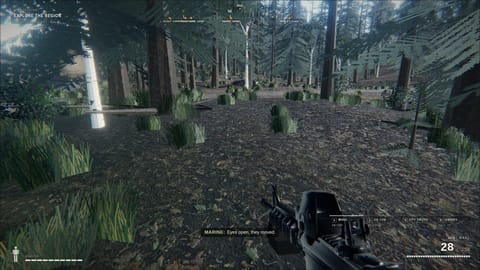
BLACK SIGNAL
@nart388 · Shooter
115 jogadores
BLACK SIGNAL
@nart388 · 115 jogadores
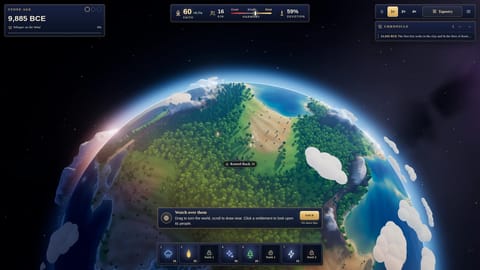
Seed of Ages
@maxify · Simulation
66 jogadores
Seed of Ages
@maxify · 66 jogadores
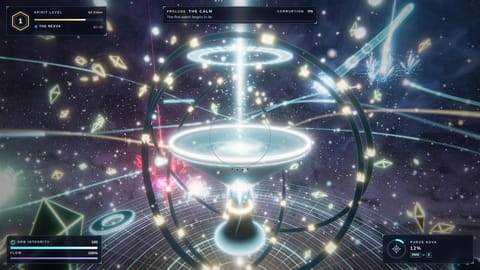
Etherwatch
@maxify · Action
48 jogadores
Etherwatch
@maxify · 48 jogadores
Make other kinds of games
Tesana's AI game maker builds a game from your description, and these pages cover a few kinds in more detail.
- Puzzle game maker Make a puzzle game with AI
- Adventure game maker Make an adventure game with AI
- Mobile game maker Make a game for phones
- Horror game maker Make a horror game with AI
- Idle game maker Make an idle or clicker game
- Card game maker Make a card game with AI
- 2D game maker Make a 2D game with AI
- Fighting game maker Make a fighting game with AI
- Platformer game maker Make a platformer game with AI
- Multiplayer game maker Make a multiplayer game with AI
- Sandbox game maker Make a sandbox game with AI
- Arcade game maker Make an arcade game with AI
- RPG game maker Make an RPG game with AI
- Visual novel maker Make a visual novel with AI
- Text adventure maker Make a text adventure with AI
- Interactive story maker Make an interactive story with AI
- AI game maker Make your own game
Ready to make your 3D game?
Start with the view from where the player stands.
Questions about making 3D games
Short answers for anyone about to make their first 3D game.
Can I make a 3D game without coding?
You can. Tesana's AI writes the code from your description, so all you do is say what you want in plain words. Paid plans also let you download the source code of a game you made from scratch.
How do I make a 3D game with AI?
Start small with an AI game maker such as Tesana: one area and one thing for the player to do. Play the first build, then add a piece at a time, like a second area or an enemy that follows you.
Is there a free 3D game maker?
Tesana's free plan lets you start making 3D games for personal, non-commercial use. To sell a game, you need a paid plan.
Do I need to download a game engine?
No. You make the game in your browser, and a game built for the browser plays there too, with nothing to install. A full engine suits developers who want to write and tune every line themselves.
Can I use my own 3D models?
Importing your own 3D models, audio and sprites is listed under the Max plan. Without them, Tesana's AI builds the game from your description.
What kinds of 3D games can I create?
Shooters, survival games and adventures, seen in first person or third. Among the ideas Tesana suggests are a cartoon first-person shooter, a desert survival game and a tropical island adventure, and the 3D tag on Play shows what other creators have made so far.