.avif)
Can I Make Games With Lovable? (And Why Tesana Is Better for Vibe-Coding Actual Games)
Quick Answer: Lovable Isn’t a Game Engine
You can absolutely make simple browser games with Lovable in 2025. You do not need any coding experience to use Lovable, as it generates code based on your description of the game idea. Users have built word puzzles, basic platformers, and clicker games using the platform’s AI-powered code generation. AI is revolutionizing game development by enabling users to create games without coding skills. But here’s the reality: Lovable is a general-purpose AI coding IDE, not a dedicated game creation tool.
If your goal is game development—actually building and publishing playable experiences—you’re working against the grain when you use a web app builder for games. Lovable writes code for you based on the description you provide, so giving a clear description helps guide the AI in generating the game. Tesana generates playable game worlds from prompts directly, no code and no engine setup required.
This distinction matters. Lovable excels at helping you build landing pages, dashboards, and software tools. Tesana is built specifically for aspiring game makers who want to describe an idea and immediately play it. If games are your primary focus, not just a side project while learning to code, Tesana is the more direct path.
When considering cost, Lovable typically offers subscription plans or usage quotas, which can be more affordable for beginners compared to hiring professional developers or building an app from scratch. This makes it accessible for those starting out, but keep in mind the ongoing expenses associated with maintaining and updating your game.
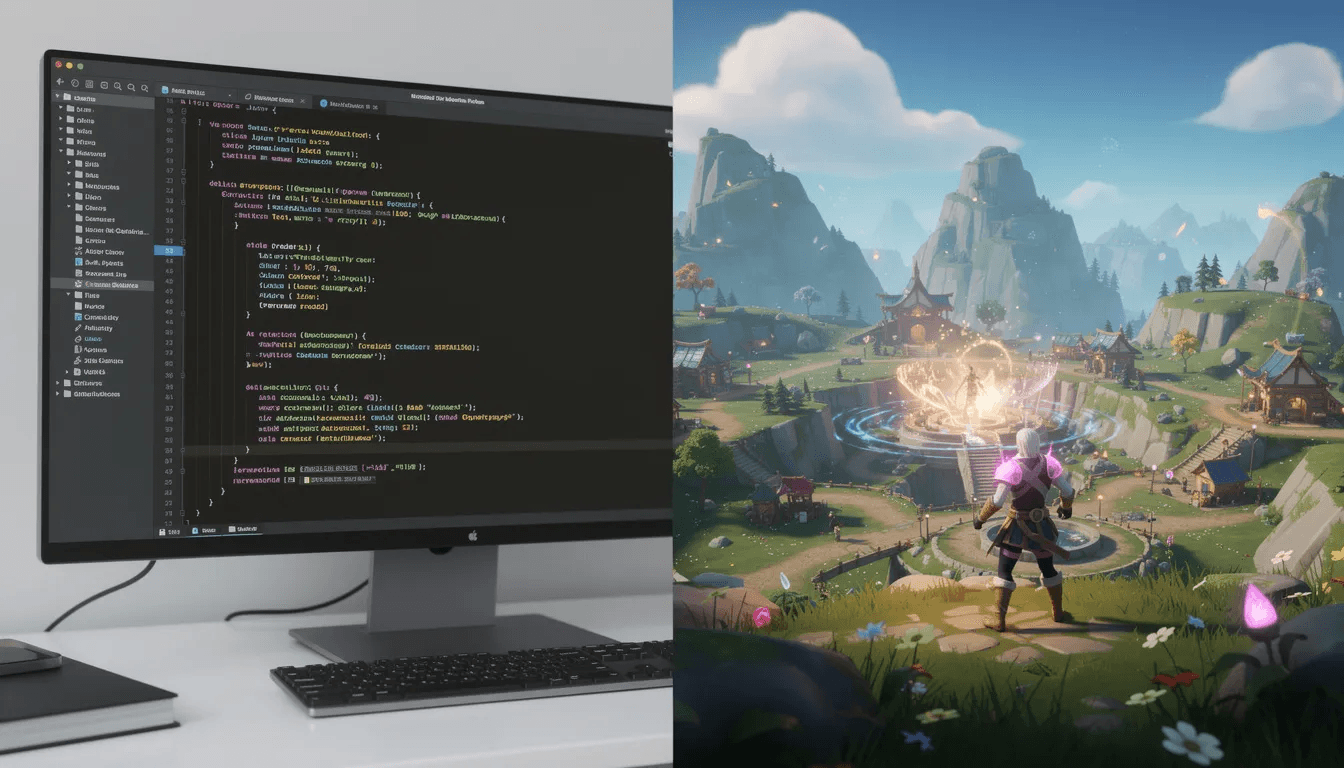
What Lovable Actually Is (And What It Isn’t)
Lovable ai is an AI coding platform that helps you build apps, websites, and small games through “vibe coding” with models like GPT-4 and Claude 3.7 Sonnet. You describe what you want in natural language, and Lovable generates a React or Next.js project, auto-fixes bugs with a “Try to Fix” button, syncs everything to GitHub, and lets you iterate through conversation. Users interact with Lovable through a chat interface, making the process conversational and user-friendly.
The core experience works like this: you write a prompt describing your project, the AI generates code, you preview the result in your browser, and you refine through follow-up prompts. It’s coding with an AI copilot handling the writing. Lovable is designed to generate code from user descriptions, making it accessible to non-programmers. It also provides a user-friendly interface, especially suitable for beginners in game development.
Lovable works well for:
Learning how modern web apps are structured
Rapid prototyping of tools, dashboards, and simple browser games
Getting AI to write boilerplate code and basic front-end logic
Building user friendly interfaces without deep programming skills
While knowing how to code helps, it's not required due to the AI's assistance
But it has clear limits for games:
No built-in physics engine, scene editor, or level editor
Heavily dependent on generated code quality and your ability to debug errors
Usage quotas apply (free credits per day, paid tiers around $20–$30/month)
Games run in a browser sandbox with performance ceilings
No native support for gamepads, controllers, or complex graphics pipelines
Lovable is a powerful tool for non programmers who want to build software. But it’s not a game engine, and treating it like one creates friction.
Basic Game Mechanics: What Every Game Needs (Even in Lovable)
Every great game, no matter how simple or complex, is built on a foundation of basic game mechanics. These are the essential rules and systems that shape how players interact with your world—think movement, scoring, level progression, and the thrill of collecting power-ups. Even when using a no code tool like Lovable, powered by artificial intelligence, these mechanics are what transform a game concept into a fun, playable experience.
With Lovable’s AI tools, you don’t need deep coding experience to bring these elements to life. You can describe your ideas in natural language—“add a double jump,” “create a power-up that makes the player invincible for 5 seconds,” or “show a leaderboard at the end of each run”—and let the AI agents generate the code and assets for you. This means non programmers can focus on creativity and gameplay, not syntax or debugging.
Power-ups are a classic example of basic game mechanics that instantly make gameplay more engaging. In Lovable, you can easily add features like speed boosts, extra lives, or temporary shields with a single line prompt. The AI will handle the logic, visuals, and even sound effects, so your players get that satisfying moment when they grab a bonus and the action ramps up.
User experience is just as important as the mechanics themselves. Lovable’s platform helps you design user friendly landing pages and interfaces, making it easy for players to jump in and start playing. You can generate menus, scoreboards, and feedback screens with AI-powered suggestions, ensuring your game feels polished from the first time someone loads it in their browser.
The real magic of Lovable for game development is in the process: you can quickly test, tweak, and iterate on your ideas. Want to adjust the difficulty curve, add new levels, or change how a power-up works? Just update your prompt and watch the AI update your game in real time. This faster iteration cycle means you can gather feedback, refine your gameplay, and publish updates without waiting days or wrestling with code.
For example, imagine you want to create a simple endless runner. You start by describing the core loop: “The player jumps over obstacles and collects coins for points.” Then, you add depth: “Add a magnet power-up that attracts coins for 10 seconds.” With Lovable’s AI tools, these features are generated and integrated into your game world, ready for you and your friends to play and test.
Whether you’re building your first game or experimenting with new ideas, Lovable’s no code tools and AI agents make the process accessible and fun. You can create, play, and publish your games—all without writing a single line of code. The platform’s user friendly approach means anyone can bring their game ideas to life, from simple puzzles to more ambitious adventures.
So if you’re curious about game development but don’t know where to start, Lovable offers a welcoming entry point. Use natural language to define your game concept, let AI handle the heavy lifting, and focus on what makes your game fun. The world of game creation is more open than ever—why not jump in and see what you can build?
Can You Make Games With Lovable Right Now?
Yes, users have already built working games:
Word and puzzle games like word ladders and trivia quizzes
Simple platformers with jumping, enemies, score tracking, and lives
Basic shooters and clicker-style games that run in the browser
Interactive experiences with animations and sound effects
The real workflow people use looks like this:
Plan with an external LLM—use Claude 3.7 or Grok 3 to outline your game concept and generate starter code
Paste or describe that plan into Lovable to scaffold a runnable project
Run the app, encounter a blank page or missing gameplay, then prompt Lovable to fix it
Iterate with prompts like “add acceleration,” “create obstacles,” or “store high scores in Supabase”
Push to GitHub, deploy on Vercel or Netlify, and continue debugging as issues appear
Most of these games are HTML5/JavaScript/React-based web games. They’re solid as prototypes or learning projects. They’re less suited to commercial releases or anything requiring complex basic game mechanics.
Here’s the challenge: every non-trivial mechanic—side-scrolling cameras, power ups, difficulty curves—must be described in text and verified in code. For someone without coding experience, this process can take a week or longer to get right. The AI helps with the writing, but you still need to understand what you’re asking for.
How Game Development Feels in Lovable: Vibe Coding, With Code Attached
“Vibe coding” in Lovable means describing the vibe of what you want:
“A retro neon endless runner where you dodge obstacles and gain speed over time.”
The AI translates that into JavaScript or TypeScript, CSS, and component structure. You then iterate: “make enemies faster,” “add a countdown timer,” “integrate Supabase for leaderboards.”
This sounds smooth until you hit the typical pain points:
Initial projects often load as a blank page with only score and lives UI—no actual gameplay—until you explicitly ask the AI to implement the missing logic
Bugs in collision detection, scoring, or level transitions require multiple back-and-forth prompts to fix
The “Try to Fix” button helps, but fixes sometimes introduce new regressions that require reading the code yourself
Each prompt consumes credits, which adds up during extended debugging sessions
The fundamental experience is code-first, UI-second. You’re working on a codebase even if the AI writes the code. Success depends on your tolerance for debugging, GitHub pushes, and basic web deployment steps.
Vibe coding in Lovable is fun for tinkerers and learners. But it’s not “describe a game once and instantly get a polished world.” That’s a different promise—one that Tesana is designed to deliver.
Tesana vs. Lovable: Both Use AI, Only One Is a Game World Generator
Tesana is a prompt-to-world game generator. You type something like:
“A cozy 3D village mystery game where players investigate missing artifacts, with day-night cycles and NPC schedules.”
Tesana generates a fully playable game world directly. No code exposed. No engine setup. No GitHub repos to manage. You play it immediately and refine through additional prompts.
The positioning difference is fundamental:
Lovable = AI coding platform that can happen to produce games, apps, dashboards, and landing pages
Tesana = AI game development platform whose entire UX is about building, editing, and sharing games
Here’s how the features compare:
Output Type
Lovable produces Git-backed code projects (React, Node, etc.)
Tesana produces ready-to-play game builds with scenes, mechanics, and story logic baked in
Editing Workflow
Lovable: edit via code diffs, prompts, and GitHub sync
Tesana: edit via live game-world prompts (“make the forest foggier,” “add a boss after level 3,” “slow down player speed by 20%”)
Target Users
Lovable appeals to people building any kind of software who appreciate AI pair-programming
Tesana serves aspiring game makers, educators, indie devs, and storytellers who care specifically about gameplay and worlds
Tesana doesn’t replace your game engine with raw code. It uses ai tools to handle the engine layer entirely, letting users work at the level of world, story, and mechanics. You describe the vibe. Tesana handles the implementation.

What Is “Vibe Coding Games” in Tesana (vs. Normal Vibe Coding in Lovable)?
Vibe coding games in Tesana means something specific:
You describe the feeling and loop of the game—“a tight, responsive platformer with short 30-second levels, increasing difficulty, and quick respawns”—and Tesana interprets that at the level of physics, pacing, level layout, and enemy behavior. Not at the level of JavaScript functions.
This creates a fundamentally different feedback loop:
In Lovable, your “vibe” turns into code structure that you must test and manually adjust
In Tesana, your “vibe” turns into playable changes you feel instantly—movement weight, camera shake, enemy patterns
Consider these Tesana-style prompts:
“Make the boss fight feel more like a bullet hell from the 2010s arcade era” → Tesana adjusts attack patterns, projectile density, and safe zones
“Shift this from a cozy exploration game to a tense survival experience” → Tesana darkens lighting, reduces resources, adds time pressure
“The jump feels floaty, make it snappier with more weight on the landing” → Tesana modifies physics parameters directly
Tesana’s vibe coding works inside a game-aware engine. The system understands players, NPCs, physics, inventory, levels, and progression—not just files, components, and API routes.
When you’re curious about whether a mechanic feels right, you don’t wait for code to compile or check for errors. You play it and comment on what needs to change.
Building a Simple Game: Lovable Flow vs. Tesana Flow
Let’s walk through building the same game on both platforms: a 2025 sci-fi endless runner where the player dodges asteroids, collects energy orbs, speed increases over time, and leaderboards track high scores.
The Lovable Path
Step 1: Ask Claude or Grok 3 to outline the game mechanics and generate starter HTML5 Canvas or React code. Plan your architecture outside Lovable first.
Step 2: Paste or describe that plan into Lovable so it can scaffold the project. Watch it generate files, components, and basic structure.
Step 3: Run the app. Get a mostly blank page with perhaps a score counter but no actual gameplay. Prompt Lovable: “The game canvas is empty, please implement the player ship and movement controls.”
Step 4: Iterate over several sessions:
“Add acceleration when holding the boost key”
“Create asteroid obstacles that spawn from the right”
“Store high scores in Supabase and display a leaderboard”
Each prompt costs credits; on a free plan, this might span multiple days
Step 5: Push to GitHub, deploy on Vercel or Netlify, and continue hand-tuning code or prompts as bugs appear during playtesting.
The Tesana Path
Step 1: Describe the game directly in Tesana: “An endless runner in a neon space lane, with increasing speed, random asteroid lanes, shield pickups, and online leaderboards.”
Step 2: Tesana generates a playable prototype immediately. The player can move, obstacles spawn, scoring and failure states exist. You play it within seconds.
Step 3: Refine gameplay purely through prompts:
“Make steering snappier”
“Increase asteroid density after 60 seconds”
“Add a short slow-motion effect when the player gets hit”
“Include a shield power-up that appears every 30 seconds”
Step 4: Use Tesana’s collaborative features to share with friends for feedback, then publish via link or marketplace listing.
The difference is clear:
Lovable = more steps, more code and infrastructure knowledge, better if you want to own and customize every line of the codebase
Tesana = fewer steps, faster iteration on game feel, better if you care about how it plays rather than how the code looks

AI Game Generation and Collaboration: Why Tesana Is Purpose-Built
Tesana handles AI game generation through a dedicated pipeline:
Users type natural language prompts describing what they want
Tesana generates game worlds with camera setups, input handling, basic AI behaviors, and UI already wired together
Updates apply live while you’re inside the game session—no refresh, no rebuild, no waiting
This creates a different creative process. You’re not switching between code editor and browser. You’re playing and prompting in the same context.
Collaboration Features
Tesana supports real collaboration for game teams:
Multiple team members—writers, designers, streamers—can iteratively tweak the same game world
Shared editing sessions with comment-style feedback focused on scenes and encounters, not code diffs
No Git conflicts, no merge nightmares, no “it works on my machine” problems
Publishing and Marketplace
Tesana lets creators publish games through:
A built-in marketplace where other users can discover and play your creations
Shareable links for distribution to your audience
No worrying about hosting costs, server setup, or engine licensing
Streamers and content creators can ship interactive experiences for their audiences without learning deployment. Educators can create playable projects for classrooms without managing infrastructure.
How This Differs from Lovable
Lovable’s collaboration model runs through GitHub and code review—powerful for programmers, but dev-centric. There’s no native concept of “levels,” “quests,” or “loot tables.” Those are patterns you implement in code with AI assistance.
Tesana provides a full workflow from idea to published game. Lovable provides a code-generation and editing environment where games are one possible output among many.
When to Use Lovable vs. When to Use Tesana for Games
Use Lovable When:
You want to learn modern web development while tinkering with simple games
You care about owning and editing source code in detail
You’re comfortable dealing with GitHub, frameworks, and deployment
Your project is primarily a web app that happens to include interactive elements
You want to build skills in React, TypeScript, or Supabase integration
Use Tesana When:
You mainly care about gameplay, narrative, and player experience—not code
You’re an aspiring game designer, educator, or content creator who wants to ship playable worlds quickly
You’re building classroom projects, jam prototypes, or community events
You want AI to manage engine setup, assets, and plumbing so you can focus on high-level design
You hope to publish and share your games without learning deployment infrastructure
The Bottom Line
You can make games with Lovable. Many people already have—platformers, word games, basic shooters. The platform works, and watching AI generate code that produces something playable is genuinely fun.
But if your primary goal is to vibe code games themselves—not vibe code the code that powers them—Tesana is the platform built for that specific purpose. It’s the difference between using a general-purpose tool for a specialized job versus using a tool designed exactly for what you want to do.
Looking ahead to 2025 and beyond, more creators will skip traditional engines entirely. They’ll use ai agents and prompt-to-world tools like Tesana for direct game creation. The question isn’t whether artificial intelligence can help you make games. It’s which AI is actually built for the job.
If you’re ready to stop debugging blank screens and start playing your ideas, give Tesana a try. Describe your first game concept, generate a playable world, and see what vibe coding games actually feels like.