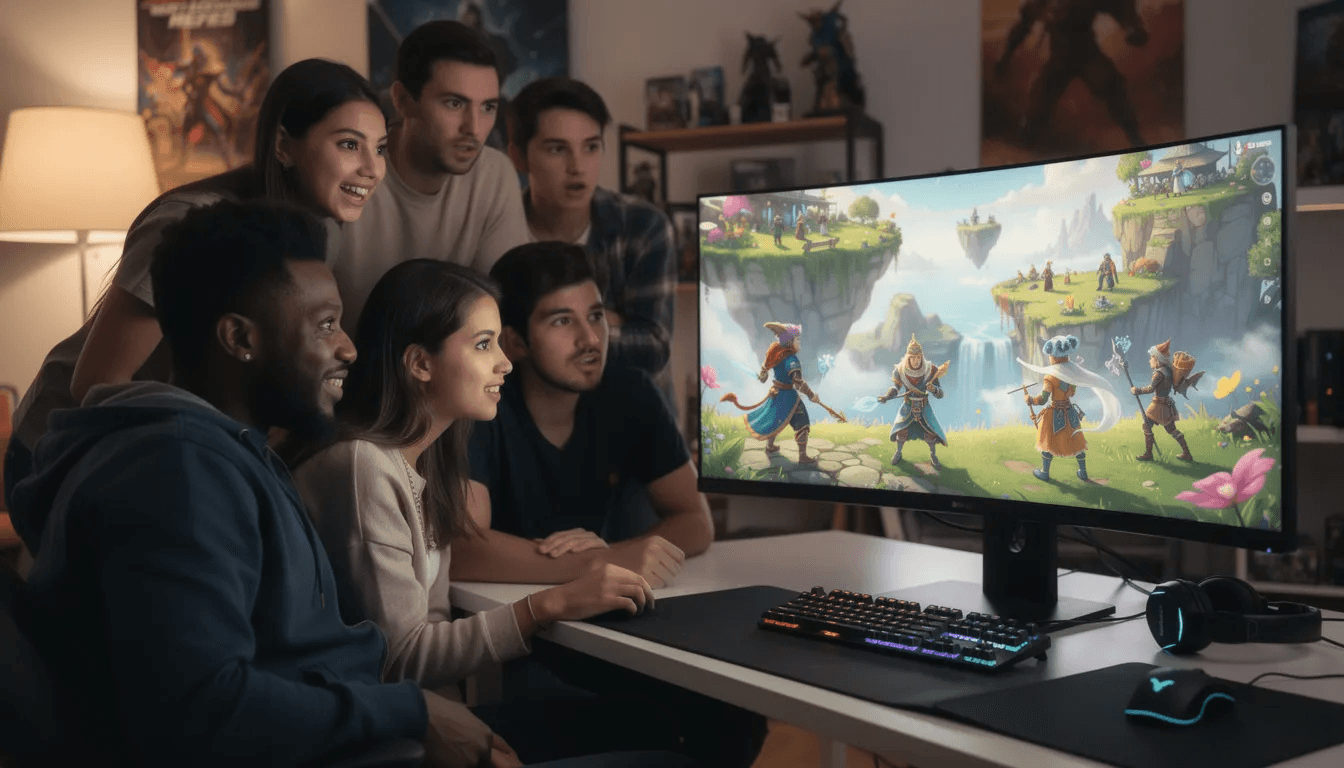
Vibe Code Games: Create Playable Worlds with AI
Imagine describing a game in plain English and watching it appear on your screen—fully playable, complete with characters, levels, and mechanics. That’s exactly what vibe code games make possible. With vibe coding, users can create an entire game from start to finish, not just isolated features or prototypes. This new approach to game creation is reshaping how interactive experiences get built, putting the power of development into the hands of anyone with an idea and a keyboard.
In this guide, you’ll discover what vibe coding means for games, why it’s transforming the creative landscape, and how platforms like Tesana let you jump from concept to playable prototype without writing a single line of actual code.
What are vibe code games?
Vibe coding emerged as a formal concept in early 2025 when Andrej Karpathy, co-founder of OpenAI and former Tesla AI lead, coined the term in an X post. He described it as “fully giving in to the vibes” and letting AI handle the programming while humans focus purely on outcomes. The idea spread rapidly, earning Collins English Dictionary’s Word of the Year for 2025 and reshaping how people think about software creation.
When applied to games, vibe coding means you simply describe what you want—the mood, the mechanics, the art style, the world—and AI generates everything needed to make it playable. This includes generating specific code functions, such as for player movement, game mechanics, or enemy behavior, making the code modular and reusable. We’re talking about complete experiences: 2D platformers, 3D exploration games, top-down RPGs, visual novels, and more. Rosebud AI is a platform for creating 3D games, 2D games, and interactive worlds using Vibe Coding. All generated from conversational prompts instead of manual scripting.
The magic happens when you describe the “vibe” of your game. Say you want a “haunted pixel art platformer set in 1999 Tokyo with flickering neon signs and ghost enemies that phase through walls.” Traditional development would require you to open Unity or Unreal, write scripts in C# or C++, create sprite sheets, configure physics, and debug collision detection. With vibe coding, you type that description and receive a playable prototype.
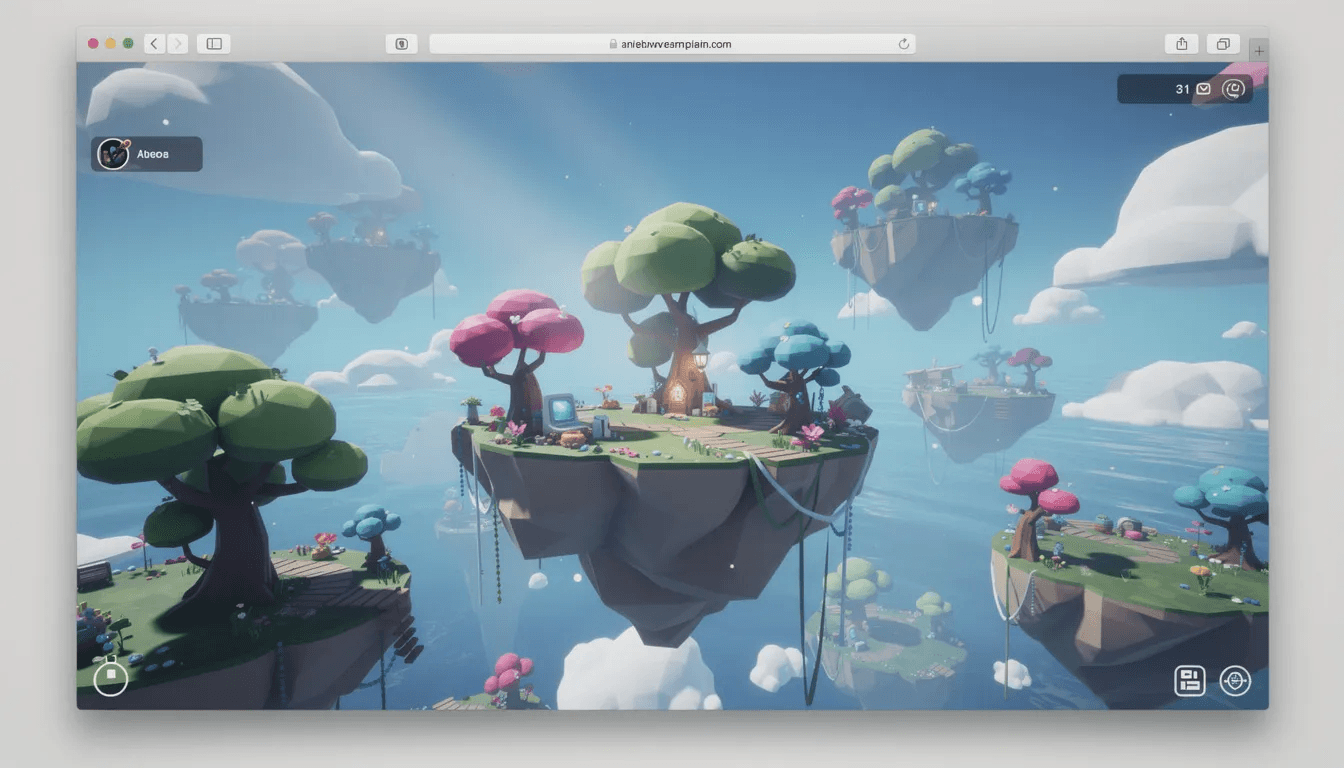
At the point where you hand off your description to the AI, the workflow shifts from creative ideation to automated implementation. Consider another example: “cozy farming sim on a floating island with day-night cycles and friendly woodland creatures.” Instead of spending months learning an engine, you input that vision and the AI handles terrain generation, character logic, interaction systems, and visual styling. The end result is something you can test, iterate on, and share—all without touching source code.
Tesana takes this concept further by focusing specifically on prompt-to-world generation. Rather than just producing code files you’d need to compile, it delivers a complete, explorable level directly in your browser. The space exists immediately. You can walk through it, interact with objects, and experience your idea as a real game environment.
Why vibe coding is changing game development
The years 2024 through 2026 marked a fundamental shift in how people think about programming. Natural language started functioning like a universal input method for software creation. You no longer need to learn the syntax of Python or JavaScript to tell a computer what to build. English—or any language you speak—becomes the interface.
This shift carries profound implications for game creation specifically.
Speed has become the most obvious benefit. Weekend projects and 24-hour game jams are now realistic for solo creators who previously couldn’t participate. What once required a team and months of work can happen in hours. The game industry traditionally moves slowly, with development cycles spanning years. Vibe coding compresses the prototype phase dramatically, letting creators test whether an idea has potential before investing serious resources.
Accessibility opens doors that were previously locked behind years of technical training. Aspiring creators who have vivid game concepts but no programming background can finally build something tangible. Educators can teach game design fundamentals without first teaching code. Writers and artists can prototype interactive versions of their stories and visual concepts. The barrier to entry drops from “learn an engine for six months” to “describe what you imagine.”
Creativity flourishes when experimentation becomes cheap. When you can generate a weird, niche concept in an afternoon, you’re more likely to try it. A puzzle game about organizing a ghost’s bookshelf? A racing game where you control weather instead of a car? These ideas might never survive a traditional greenlight process, but vibe coding lets you test them quickly enough to find the fun.
Cost shrinks when you don’t need expensive software licenses, powerful hardware, or contracted developers just to see if an idea works. Everything runs in the browser. No engine installations, no build configurations, no deployment headaches.
Here’s a concrete example: imagine making a simple browser platformer starring a neon fox that runs across rooftops collecting glowing orbs. In a traditional workflow, you’d need sprite animation, physics tuning, level design tools, and debugging sessions. With vibe coding, you describe that fox, those rooftops, and those orbs. You play it that evening. You share it with friends before bed.
Vibe coding proves especially powerful for prototypes, retro “demakes” of classic game concepts, interactive fiction, and teaching the fundamentals of game design. It’s not replacing AAA studios building massive open worlds—but it’s democratizing the first steps of creation in ways that simply weren’t possible before.
How Tesana brings vibe code games to life
Tesana is a prompt-to-world video game generator built specifically for vibe coding games—not generic apps or websites, but playable interactive worlds. While other AI tools might return code you need to configure and compile, Tesana delivers something you can immediately explore and test.
The workflow is direct. You type a short description like “low-poly sci-fi survival game on a tiny asteroid, third-person camera, simple crafting system, resource nodes scattered across the surface.” Tesana takes that input and generates the terrain with appropriate textures and topology, places props and environmental objects, configures lighting that matches your described aesthetic, sets up core mechanics including movement and camera behavior, adds interaction systems for your crafting concept, creates basic UI elements for inventory and feedback, and delivers the entire scene playable in your browser.
Unlike coding assistants that output a file you then need to interpret and run, Tesana produces a world. The distinction matters because the goal isn’t reading code—it’s playing a game.
Supported game types span multiple genres and styles. You can create 2D pixel art platformers with tight jump mechanics and scrolling levels. Top-down RPGs with tile-based movement and NPC encounters work beautifully. 3D exploration games and walking simulators let players wander through atmospheric environments. Visual-novel style narrative experiences with branching dialogue choices bring story-focused concepts to life.
Everything operates without code. Creators never open an IDE, never install an engine, never manage project files or build settings. The platform handles the technical complexity so you can focus on the creative vision. Your task is to describe. Tesana’s task is to build.
Core features for vibe coding with Tesana
This section dives deeper into what Tesana offers, whether you’re a hobbyist exploring game creation for the first time or an indie team looking for rapid prototyping capabilities.
Prompt-to-world generation forms the foundation of everything. Plain language prompts produce terrain, level layouts, lighting conditions, and interactable objects. You can request specific genres like “metroidvania with interconnected rooms and ability gates,” “cozy farming sim with seasonal changes,” or “bullet-hell shooter with geometric patterns and synth soundtrack.” The AI interprets these descriptions and constructs appropriate game spaces with matching visual and mechanical elements.
Story craft and AI NPCs extend beyond environment generation into narrative territory. The platform generates quests with objectives and completion states, branching dialogue trees that respond to player choices, lore snippets that flesh out your world’s history, and ambient character dialogue that makes spaces feel alive. NPC personalities come from vibe descriptions too—request “a sarcastic robot shopkeeper from 2089 who complains about humans” and that character appears with appropriate dialogue and behavior patterns.
Live edits keep the creative loop tight. You can pause play at any moment and say “make the forest section darker and add rain effects” or “slow down enemy projectiles by 30%.” These changes apply instantly, letting you see results without restarting or rebuilding. This iterative refinement process feels like directing rather than programming. Iterative refining involves creators acting as guides, testing AI-generated output, and providing follow-up prompts. Users can refine and debug their games through conversational feedback with AI in vibe coding. If you notice errors or unintended behaviors, you can explicitly instruct the AI to fix them, making the process of debugging and troubleshooting more accessible. You observe, you request adjustments, you observe again.
Collaboration supports team workflows directly in the browser. Multiple creators can edit the same project simultaneously. A writer might refine NPC dialogue through natural language prompts while an artist adjusts environmental aesthetics and a designer tweaks difficulty curves—all working on one shared world without stepping on each other’s changes.
Publishing and sharing reduce the friction between creation and distribution. One-click publishing generates a web URL you can send to playtesters immediately. No app store submissions, no hosting configuration, no technical deployment steps. The platform also integrates with an upcoming Tesana marketplace where vibe coded games can be discovered, played, and even remixed by other creators.
From vibes to code: how AI generates real, playable games
The real magic of vibe coding lies in how AI tools transform your natural language prompts into actual code, turning your ideas into playable games—often in just minutes. Instead of wrestling with programming languages like Python or JavaScript, you simply describe your game’s vibe, mechanics, or world, and the AI generates everything needed: source code, visuals, logic, and even user interface elements.
Here’s how it works: you start by describing your concept in plain English—maybe “a 3D puzzle adventure set in a mysterious floating temple, with shifting platforms and glowing runes.” The AI interprets your input, then writes the underlying code, creates the game logic, and assembles the visuals, all without you having to write a single line of programming. This process is powered by advanced AI tools such as Gemini, which are trained to understand both the language of game design and the technical requirements of software creation.
Once your first build is ready, you can immediately play and test it in your browser or on your PC. If something feels off—maybe the jump is too short, or the lighting isn’t quite right—you simply describe what you want changed. The AI refines the code and updates the game in real time. This iterative refinement loop means you’re always just a prompt away from improving your project, whether you’re fixing an error, adding a new feature, or tweaking the vibe.
This approach is revolutionizing the game industry by making game development accessible to everyone. You no longer need years of programming experience to create software or bring your ideas to life. With vibe coding, the barrier to entry is as low as having an idea and being able to describe it. The AI handles the heavy lifting—writing the source code, building the logic, and assembling the visuals—so you can focus on creativity and play.
For example, imagine you want to make a platformer where the main character can double-jump and collect glowing gems. You describe this in a prompt, and the AI generates the code, sets up the jump mechanics, places the gems, and even creates the visual style you requested. If you want to add a new enemy or change the background, just describe it—the AI updates the game instantly. You can then share your creation with friends, post it online, or display it on any platform that supports web games.
The future of vibe coding is even more exciting. As AI tools become more advanced, we’ll see features like AI-powered debugging, the ability to generate entire games from a single image or concept, and even more realistic and complex worlds. Platforms like Rosebud AI are already pushing the edge, letting users create 3D games and interactive spaces with just a few lines of natural language.
Ultimately, vibe coding is about empowering more people to create, test, and share their own games—no programming required. Whether you’re a seasoned developer looking to speed up prototyping, or someone with a great idea but no coding background, vibe coding opens up a world of possibilities. The only limit is your imagination—and the prompts you write. So why not jump in, describe your dream game, and see what the AI generates? The end result might just surprise you.
Step-by-step: vibe code your first game with Tesana
This walkthrough takes you from an empty prompt to a playable game, designed specifically for first-time users who want practical guidance.
1. Define the vibe
Start by writing two to three sentences that capture your game’s essence. Include the genre, setting, art style, and rough difficulty or pacing. The more specific you are, the closer the initial output matches your vision.
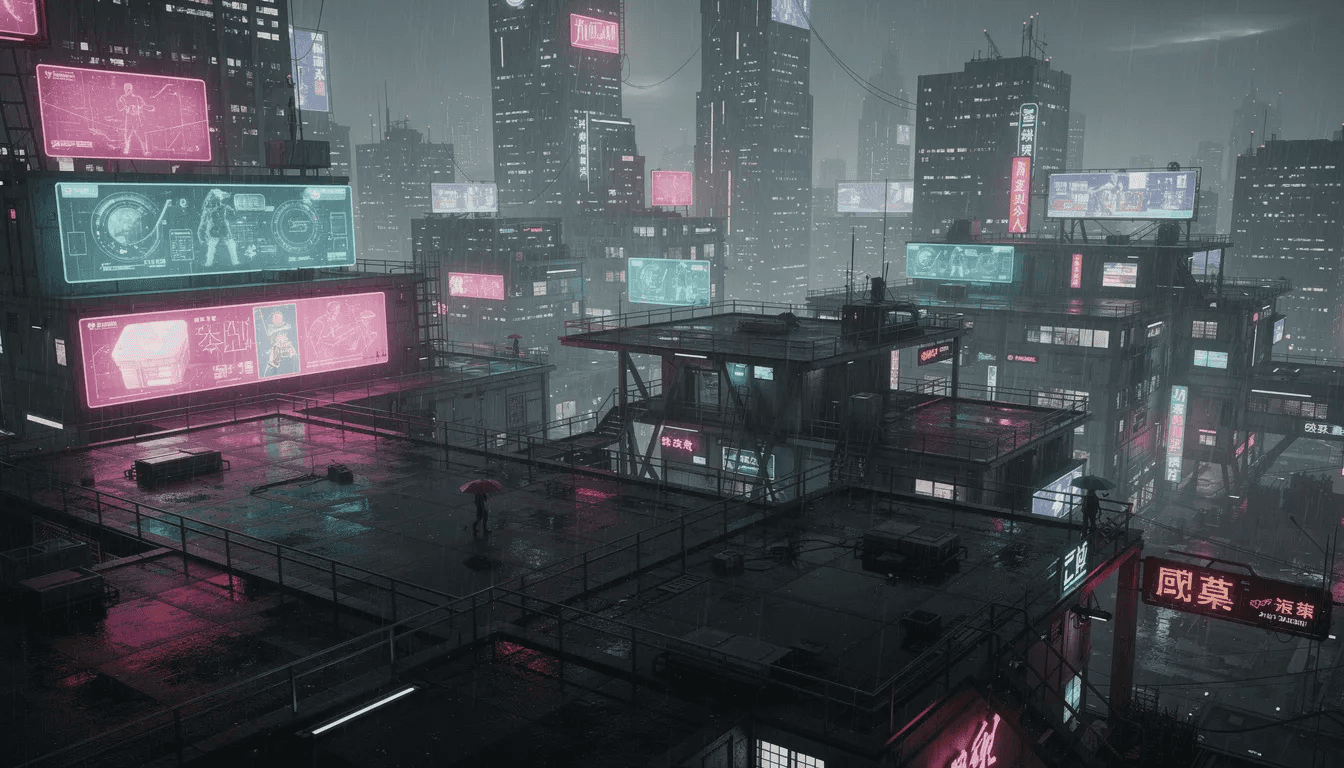
Here’s a concrete example prompt: “Create a 2D pixel art platformer called ‘Skyline Runner’ where a courier parkours across rooftops in a rainy cyberpunk city. Add simple patrol enemies and collectible data chips that glow when the player gets close.”
Notice how this prompt specifies visual style (pixel art), genre (platformer), setting (cyberpunk rooftops, rain), player role (courier), enemy behavior (patrol), and collectible mechanics (glowing proximity). This gives the AI clear instructions to work from.
2. Generate the first build
After submitting your prompt, Tesana processes your request and produces a playable prototype within minutes. The editor interface displays your game view alongside a chat panel where you continue the conversation with the AI.
This initial build is a good start—not a finished product. Think of it as a draft that captures the core vibe you requested. Buildings appear with neon signs, rain falls across the screen, the courier character runs and jumps, enemies patrol platforms, and data chips await collection. The fundamental logic exists and functions.
3. Iterate with vibe
Now the fun begins. Play through your prototype, notice what works and what feels wrong, then describe the changes you want.
Example refinement prompts include:
“Make the jumps feel floatier with more hang time at the peak”
“Add animated neon signs to the background buildings”
“Reduce enemy movement speed by 20%”
“Add a short tutorial message when the player first sees an enemy”
“Change the rain to a heavier downpour with puddle reflections”
If you get stuck—such as when the game doesn't behave as expected or an object falls through the floor—describe the issue to the AI for troubleshooting. Creators often accept AI suggestions and bug fixes without fully auditing the code, focusing on the final product's feel and functionality. Keep in mind that AI models are not always accurate and may require multiple attempts to fix errors.
Each prompt triggers updates you can test immediately. This debug-by-description approach replaces traditional debugging where you’d hunt through a script looking for the error causing an issue.
4. Add narrative flavor
Once mechanics feel solid, layer in story elements that make your world more engaging.
Try prompts like “Add a rival courier NPC who occasionally appears on distant rooftops and taunts the player via on-screen messages” or “Create a mysterious fixer character who gives mission briefings at the start of each level.” These characters appear with generated dialogue and behaviors matching your descriptions.
5. Playtest and share
Hit play to test your creation directly in the browser. Run through levels, check for anything that feels off, and refine with additional prompts as needed. When you’re satisfied, publish to a shareable link and send it to friends for feedback. Heli-Hero is an example of a web-based game created completely in the Cursor IDE.
The entire process—from blank prompt to playable game shared with others—can happen in a single session. No save files to manage across multiple applications, no console errors to interpret, no build processes to configure. This workflow allows you to create an entire game from start to finish.
Vibe coding best practices and common pitfalls
Vibe coding is powerful, but like any creative tool, it rewards thoughtful use. Clear communication and realistic expectations make the difference between frustration and flow.
Be specific with your vibe. Include camera perspective, art style, era or aesthetic references, and target device when relevant. “A side-scrolling game” produces something generic. “A side-scrolling beat-em-up with 16-bit pixel art, urban 1990s setting, and desktop browser as target” gives the AI concrete parameters to work within. Specificity doesn’t limit creativity—it focuses it.
Iterate in small chunks. Resist the urge to write a massive, multi-paragraph prompt describing every detail of a ten-hour game. Start with a single level or core mechanic. Get that working and feeling right. Then expand. Incremental changes let you maintain control over the result and catch issues before they compound.
Describe problems, not solutions. When something feels off, explain the experience rather than guessing at technical fixes. Say “enemies are too hard to dodge because they move unpredictably” instead of “change line 37 of the movement script.” You don’t have access to line 37, and even if you did, the AI understands player experience better than code references.
Avoid vague prompts. Requests like “make it cooler” or “add more fun” leave too much to interpretation. The AI might make changes you didn’t expect or want. Instead, try “add a synthwave soundtrack and shift the lighting to blue and pink tones” or “make combat faster by reducing the delay between attacks.” Concrete language produces predictable results.
Watch for scope creep. Vibe coding makes generation feel effortless, which can tempt you toward building an MMO in your first session. Start with a small vertical slice—one level, one mechanic loop, one narrative arc. Prove your concept works before expanding. A polished five-minute experience beats a broken five-hour one.
It's important to stay decided about your goals and the direction of your project, making deliberate choices at each step to avoid drifting off course. Be aware of security risks in vibe coding, such as the potential deployment of software with security vulnerabilities or inefficient logic, which can compromise your game's quality and safety.
The conversational loop built into Tesana makes recovery easy. If a change goes wrong, describe what broke or request a rollback. The platform maintains version history, so mistakes don’t mean starting over. This safety net encourages experimentation—try bold ideas knowing you can always step back.
Use cases: who vibe codes games with Tesana?
Tesana serves a range of creators with different goals and backgrounds. The platform works as both a consumer tool for individuals and a professional utility for teams.
Aspiring creators include anyone with a game idea but no programming experience. Maybe you’ve always imagined a puzzle game based on your hometown’s weird architecture, or a story game exploring themes that matter to you personally. Vibe coding removes the technical barrier, letting you build your first game and share it with friends or post it to social platforms. You go from “I wish I could make games” to “I made this” in an afternoon.
Indie developers use Tesana for fast prototyping before committing to full engine pipelines. Testing whether a mechanic feels good, whether a level layout works, or whether a visual style resonates—these questions get answered in hours instead of weeks. Prototypes built through vibe coding inform decisions about what deserves the heavier investment of traditional development.
Content creators like streamers and YouTubers build interactive worlds themed around their channels. Imagine a dungeon crawler where chat votes on which door the player opens, or a trivia game featuring inside jokes from your community. These custom experiences strengthen audience connection and generate content simultaneously.
Educators design projects that teach game design concepts without requiring students to learn programming first. Adjust prompts to see how difficulty curves affect player experience. Change visual feedback to understand juice and feel. Experiment with narrative pacing across branching paths. The tool makes abstract design principles tangible and testable.
Studios exploring AI workflows use vibe coded prototypes to test concepts before greenlighting full production. A creative director can describe a game vision and see it playable the same day, then share with stakeholders for feedback. Early validation saves resources and reduces the risk of building something that doesn’t work.
Tesana vs. other vibe coding tools
The broader landscape of AI-assisted creation includes many tools, but most focus on code output rather than playable output. Generic coding assistants like Gemini or similar models return scripts and functions you then need to integrate into an engine, configure dependencies for, and debug through traditional methods. They’re powerful for developers who already know their way around a codebase, but they don’t eliminate the fundamental barriers for non-coders.
Tesana takes a different approach: world-first rather than code-first. The output isn’t a Python file or a JavaScript block—it’s a space you can enter and play. This distinction matters because games are experienced through interaction, not through reading source files.
Purpose-built for games means Tesana understands game-specific concepts natively. Request “double-jump mechanics” and the platform knows what that means. Ask for “enemy spawn points with wave-based escalation” and appropriate systems appear. Generic AI tools require more technical translation because they weren’t designed with game structures in mind.
Native support for story, NPCs, and mechanics happens within a single prompt workflow. You don’t need separate tools for dialogue trees, another system for level generation, and a third application for physics configuration. Everything integrates because the platform was built around the holistic concept of interactive worlds.
No engine installation or hosting configuration removes friction that stops many would-be creators. Traditional game development requires downloading gigabytes of software, learning interface paradigms, and solving deployment puzzles. Tesana runs in your web browser. You open a tab and start describing.
For creators who know they want to make games—not generic apps, not websites, not utilities—Tesana offers a direct path designed for that specific goal from day one. It complements rather than replaces traditional engines: use vibe coded prototypes to define your concept, then recreate refined versions in Unity or Godot if your project grows beyond what browser-based tools can handle.
Getting started with vibe coded games on Tesana today
Your first playable world is closer than you might think. No downloads, no installations, no prerequisites beyond a browser and something you want to create.
Visit the Tesana platform, create an account, and choose how you want to begin. Starter templates for common genres—platformers, top-down adventures, story games—provide good starting points if you want structure. Or start from a blank prompt if you have a specific vision ready to describe. Type your game idea in two or three sentences, hit generate, and watch a playable world appear.
The future of game development increasingly involves writing descriptions rather than code. Natural language becomes the interface between imagination and playable reality. Early adopters of this approach are already publishing games, gathering feedback, and iterating faster than traditional workflows ever allowed.
Start with something small and personal. “A short exploration game about my childhood neighborhood at dusk.” “A puzzle game based on organizing my grandmother’s kitchen.” “An action game where my cat fights off invading robots.” These personal concepts make excellent first projects because you know exactly what they should feel like.
The write-to-play future is arriving now. Tesana gives you early access to that shift—a platform where your ideas become games as fast as you can describe them.