-with-ai-tesana.avif)
How to Vibe Code Games (Fast) with AI & Tesana
A few years ago, building a video game meant months of learning syntax, wrestling with engines, and debugging cryptic errors. Today, you can describe a game idea in plain English and watch it come alive in your browser within the hour.
This shift has a name: vibe coding. Coined by Andrej Karpathy, co-founder of OpenAI and former AI leader at Tesla, vibe coding is about “giving in to the vibes” and letting AI handle the implementation while you focus on what matters—the experience you want to create. As Karpathy put it in early 2025: “forget that the code even exists.” The concept resonated so strongly it became Collins Dictionary’s Word of the Year for 2025. Imagine the possibilities: with AI, you can bring to life any game concept you envision, opening up creative opportunities that were never before possible.
What is vibe coding?
Vibe coding allows users to create games by describing what they want in natural language, and the AI generates the necessary code and gameplay logic. This approach enables anyone to build games without traditional programming knowledge or software downloads. Vibe coding is a simplified approach to game development that requires no traditional programming knowledge. In essence, vibe coding can be defined as using AI as a high-level programming language to build something without necessarily understanding the underlying code.
This article isn’t theory. We’re going to show you exactly how to vibe code a complete playable game in under an hour using AI. We’ll use Tesana, our prompt-to-world game generator that lets you describe a game and instantly play it in the browser—no engine install, no code editor, no exports required.
What you’ll learn:
The mindset shift that makes vibe coding work
Specific prompt patterns that get reliable results from AI
A step-by-step workflow to build a complete game from scratch
How to debug, iterate, and refine without touching code
How to publish and share your creation with the world
There are many ways to approach vibe coding, and we’ll reference real genres throughout—a 2D farming sim, a forest survival game, a 3D dungeon crawler—and specific tools like Claude 3.5, GPT-4.1, and of course, Tesana. Let’s build something.
What Is Vibe Coding for Games?
Vibe coding means using AI models as a high-level language where you describe behaviors, mechanics, and aesthetics in English instead of writing code. You’re not typing syntax. You’re having a conversation about what the player should experience, and you talk to the AI about your game ideas, letting it translate them into working systems.
Explicit Definition of Vibe Coding
Vibe coding allows users to create games by describing what they want in natural language, and the AI generates the necessary code and gameplay logic. This means you can create games without traditional programming knowledge or software downloads. Vibe coding is a simplified approach to game development that requires no traditional programming knowledge. Essentially, vibe coding can be defined as using AI as a high-level programming language to build something without necessarily understanding the underlying code.
The idea traces back to Karpathy’s 2023 assertion that “the hottest new programming language is English.” Early adopters started experimenting with ChatGPT to generate vanilla JavaScript games, p5.js sketches, Unity C# scripts, and Roblox Lua code. But these approaches still required you to understand the output, fix errors, and wire everything together manually.
The key difference from traditional coding is this: you’re specifying intentions and constraints, not syntax and APIs. When you say “enemies should feel threatening but beatable,” you’re describing an outcome. The AI or engine figures out how to make that happen—whether through movement speed, attack patterns, audio cues, or visual design choices. As mentioned, context management is a challenge in AI-powered game development, and how you frame your intentions can affect the model’s performance.
In the context of Tesana, vibe coding means natural language transforms directly into working game systems. Movement, collisions, quests, UI, game logic—all generated from your descriptions. The platform handles the world building and glue code so you can focus on creativity.
Traditional workflow vs. vibe coding workflow:
Traditional: Choose engine → set up project → code systems → build levels → debug → test → iterate for weeks
Vibe coding: Write prompt → AI generates systems and world → play immediately → iterate by chatting → ship in hours
Core Mindset: Treat AI as a High-Level Game Engine
Vibe coding works best when you think like a director, not a typist. You set goals, constraints, and style. The AI executes. This requires some deliberate mindset shifts.
From syntax to feeling:
Instead of “What’s the syntax for collision detection?” ask “What should the player feel when they hit an obstacle?”
Instead of “How do I implement A* pathfinding?” say “Enemies should hunt the player intelligently but be dodgeable on normal difficulty.”
Instead of “I must architect everything up front,” embrace “Describe a minimal version, then refine in small, testable iterations.”
That said, vibe coding still needs structure. You should name your systems clearly (“InventorySystem,” “DialogueSystem”), define your core game loop, and give explicit success conditions. Vague prompts produce vague results.
Prompt contracts matter. Before you start iterating, clearly state what must not change across iterations. If you love your camera style and control scheme, tell the AI: “Do not modify camera position or WASD controls in any future changes.” This prevents the model from overriding stable parts when you ask for new features.
Responsible ai use is essential in educational and collaborative settings. Educators and teams should foster ethical and effective ai use by providing clear guidelines, encouraging open discussion, and using interactive activities or role-playing to build understanding. Organizations like JA (JA Worldwide) promote innovative educational programs that integrate technology and vibe coding, setting examples for responsible practices.
Good vs. vague instructions:
Vague Prompt | Better Prompt |
|---|---|
“Make combat better” | “Make combat snappier by reducing enemy attack windup by ~30% and adding a brief screen shake on player hits” |
“Add some enemies” | “Add 3 wolf enemies that spawn at forest edges, patrol in packs of 2, and chase the player when within 10 units” |
“Make it more fun” | “Increase resource drop rates by 50% and add a satisfying chime sound when collecting items” |
The AI can’t read your mind. Be specific about what you want to change and what you want to preserve. |
Benefits of Vibe Coding Games
Rapid Prototyping
Vibe coding games unlock a new era of creativity and accessibility in game development. By harnessing the power of AI tools and generative AI models, anyone can create games and interactive experiences without needing to master complex code or spend months learning engine syntax.
Instead of getting bogged down in technical details, you can focus on what really matters: designing engaging game logic, experimenting with art and audio, and bringing your wildest ideas to life.
One of the biggest advantages of vibe coding is how it streamlines the entire process of game development. With platforms like Tesana or even Roblox Studio, you can generate code and build entire games in a fraction of the time it used to take.
AI-generated content means you can quickly prototype different design choices, test new mechanics, and iterate on your project—all without ever opening a traditional code editor.
This rapid workflow lets you develop more games, try out more ideas, and refine your vision with every iteration.
Inclusive Game Creation
Vibe coding also makes game creation more inclusive. Whether you’re a solo developer, an artist, a writer, or someone with zero programming background, AI models empower you to participate in the creative process.
You can describe your vision in plain language, and the AI will generate the underlying code, art, and even animations.
This democratizes game development, allowing more voices and perspectives to shape the future of interactive experiences.
Flexible and Scalable Development
The flexibility of vibe coding means you’re not limited to basic games. You can start with a simple 2D prototype and, as your confidence grows, expand into complex 3D worlds, dynamic behaviors, and even multiplayer features.
Generative AI adapts to your needs, whether you’re building a quick browser game for fun or developing a polished project for a larger audience.
Unleashing Creativity
Ultimately, vibe coding games are about unleashing creativity and making game development smarter, faster, and more fun.
With AI as your collaborator, you can focus on the vibe, the story, and the art—while the models handle the heavy lifting of code and logic.
The result? More engaging games, more experimentation, and a future where anyone with an idea can bring it to life.
Setting Up Your Vibe Coding Stack
Your stack defines what you vibe code against. There are three main approaches, each with tradeoffs.
Web stack (three.js, Phaser, p5.js):
Maximum flexibility and control
Good AI training data available for these libraries
You or the AI must engineer significant boilerplate
Best for developers who want to understand and modify the generated code
Traditional engines (Unity, Roblox Studio):
Powerful, feature-rich platforms with large ecosystems
AI struggles with large, complex C#/Lua projects unless you have strong domain knowledge
Requires installing software, managing files, and understanding engine-specific concepts
The Unity console is essential for managing assets, reading output, and script validation during development and testing.
Better for teams with existing engine expertise
AI-native no-code platforms (Tesana):
Optimized specifically for natural-language input
Handle engine setup, assets, and wiring automatically
No installation—runs entirely in browser
Designed from the ground up for prompt-to-world generation
Rosebud AI is another platform for creating 3D games, 2D games, and interactive worlds using Vibe Coding. It allows users to describe what they want to build in natural language, and the AI generates the code, visuals, and gameplay logic. VibeGame is a high-level declarative game engine designed specifically for AI-assisted game development.
With Tesana and similar platforms, users can easily create apps and websites, taking advantage of AI-powered tools to generate web-based projects and apps with minimal effort.
For beginners or anyone wanting fast prototypes, we recommend Tesana as your central tool. It’s browser-based, requires no install, and the entire platform is built around turning your imagination into playable interactive experiences.
Complementary tools that pair well with Tesana:
Google Docs or Notion: Keep your design docs and prompt histories organized
Loom: Record playtest sessions to share with collaborators or post for feedback
Discord: Share your Tesana game links and gather player reactions in real-time
Using AI tools like Grok and Cursor can streamline the game development process by providing structured plans and code generation.
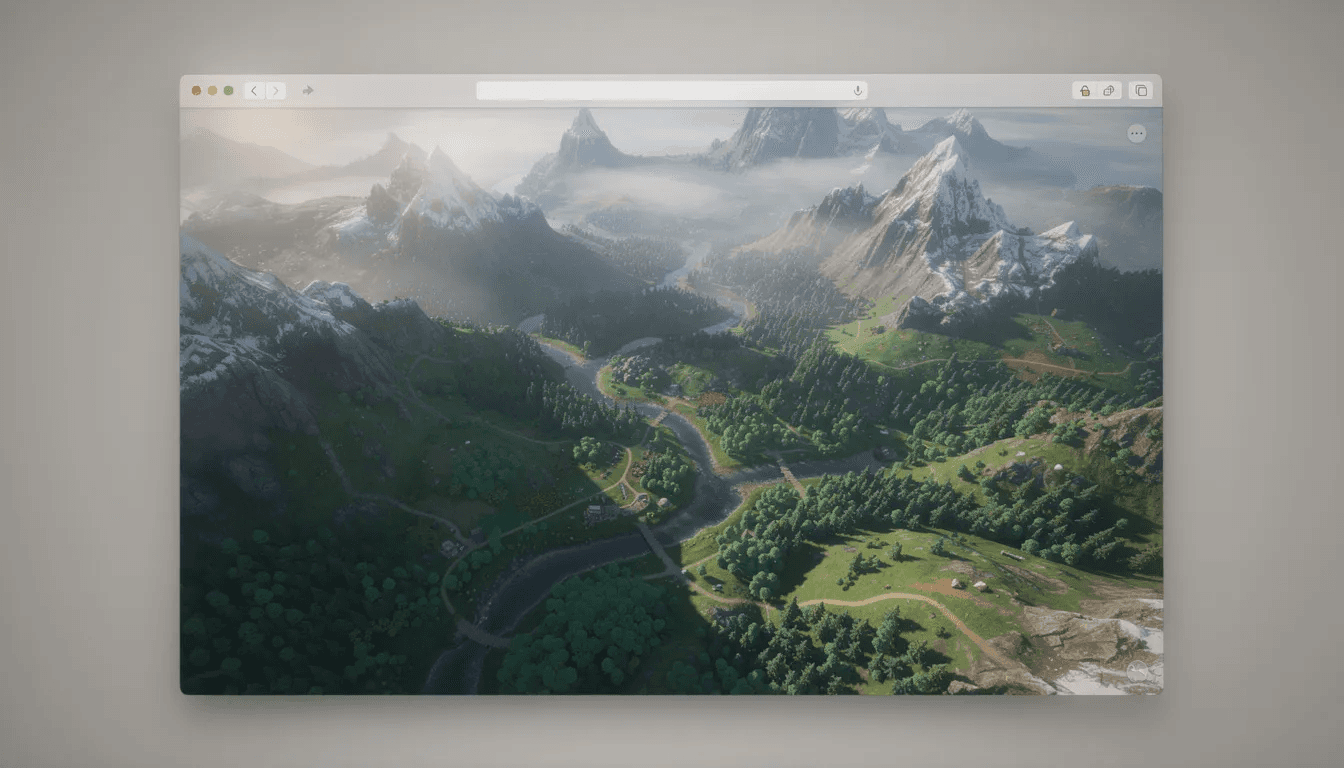
Step-by-Step: How to Vibe Code Your First Game with Tesana
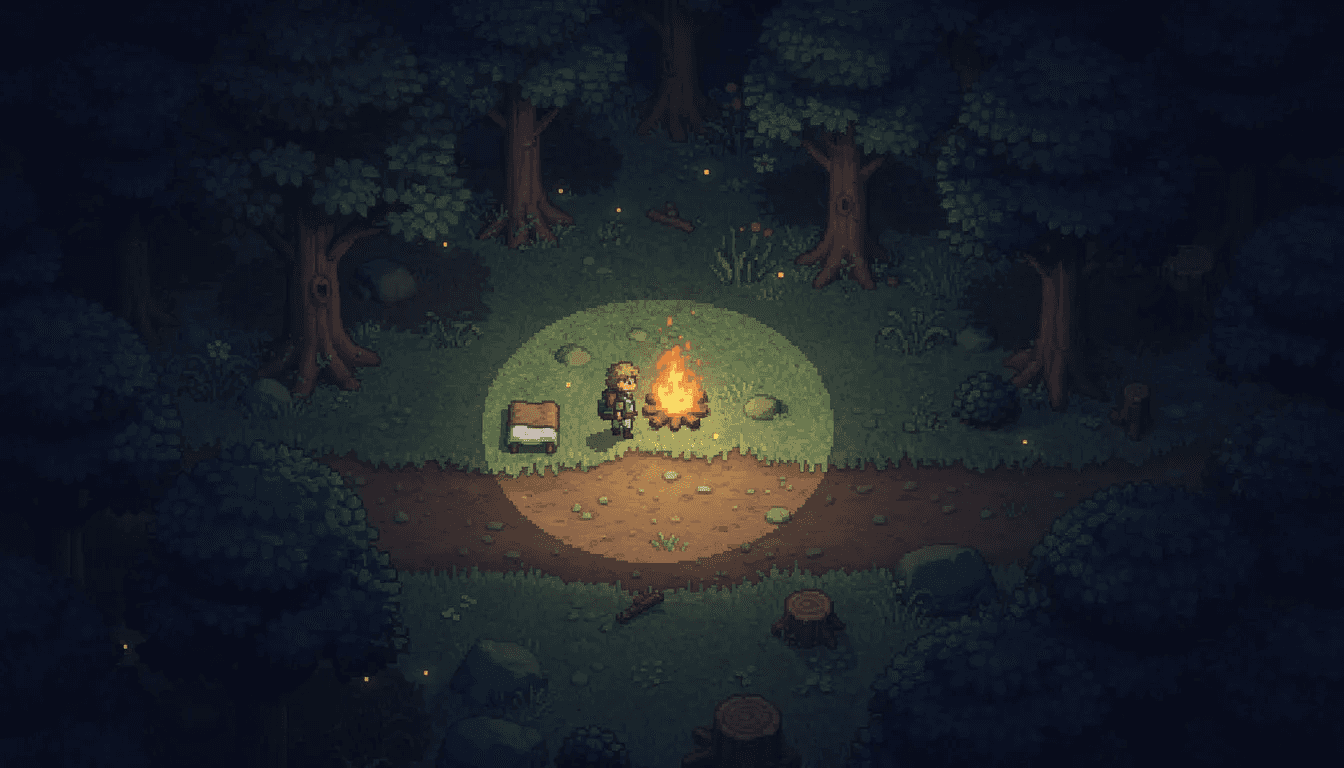
This is the “as fast as possible” section. We’re going to build a small but complete game—a 2D top-down forest survival game—in under an hour. Each step includes real prompts you can adapt.
Step 1: Define Your Core Loop
Before you touch any tool, decide on a tiny scope. The biggest mistake new vibe coders make is trying to build an entire game with MMO features in their first session.
Write your vision as a single paragraph:
“A 2D forest survival game where you gather wood and berries, craft a campfire, and survive 3 in-game nights. The player uses WASD to move and clicks to interact. Wolves come out at night and can kill you. Win by surviving all three nights. Lose if hunger hits zero or wolves catch you.”
This becomes your initial prompt. Notice how it includes the genre, controls, core mechanic (gathering and crafting), win condition, and lose conditions. Everything the AI needs to generate a basic game.
Step 2: Generate Your First Playable World in Tesana
Open Tesana in your browser and paste your vision. The platform will create terrain, place objects (trees, bushes, stones), spawn a controllable character, and set up the basic rules—all in one shot.
Your starting prompt might look like:
“Create a 2D top-down forest survival game. The player controls a character with WASD movement. The forest has pine trees, berry bushes, and stone deposits scattered throughout. Include a day/night cycle where each ‘night’ lasts 60 seconds. The game ends if the player’s hunger reaches 0 or if they survive 3 complete nights.”
Within seconds, you’ll have a playable world. It won’t be polished, but it will be real. You can walk around, see the environment, and watch the day/night cycle tick.
Step 3: Specify Rules and Systems in Natural Language
Now you layer in game logic. The key is giving concrete numbers, cooldowns, and thresholds—not vague descriptions.
Example prompt:
“Add a hunger system that decreases by 1 every 5 seconds. Eating berries (click on berry bushes to collect, then press E to eat) restores 15 hunger. Maximum hunger is 100, starting at 75. If hunger hits 0, fade to black and display ‘You didn’t make it through the night.’”
Another prompt for crafting:
“Add a crafting system. When the player has collected 5 wood (from clicking trees), they can press C to craft a campfire. The campfire provides a safe zone—wolves won’t enter within 5 units of an active campfire. Campfires last for one full night.”
Each prompt adds a layer. Test after each one to make sure it works before moving on.
Step 4: Iterate on Feel (Movement, Difficulty, Pacing)
Once the mechanics exist, you refine the experience. This is where vibe coding shines—you can test, feel what’s wrong, and fix it in plain language.
Refinement prompt:
“Increase player movement speed by 20%. Reduce wolf spawn rate on Night 1 to 1 wolf every 30 seconds. Night 2 should have 2 wolves spawning every 20 seconds. Night 3 should feel noticeably harder with 3 wolves spawning every 15 seconds, and wolves should move 25% faster.”
Tesana allows live edits. You don’t need to rebuild or restart. Just describe the change, see it happen, and play again.
Step 5: Layer in Narrative and Progression
A game becomes engaging when it has context. Even a simple survival game benefits from story.
Narrative prompt:
“Add a short intro: when the game starts, display text ‘You wake up alone in the forest. The sun is setting. You need to survive.’ Fade in over 3 seconds, then let the player move. On Night 2, spawn a friendly hermit NPC near the center of the map. When the player approaches, display dialogue: ‘I’ve been here for years. Take this—it might help.’ Give the player a torch item that scares wolves within 3 units. When all 3 nights are survived, fade to a campfire scene with text ‘You made it. Dawn breaks over the forest.’”
Tesana can scaffold dialogue nodes and trigger points based on these descriptions. You’re not scripting—you’re describing what should happen.
Step 6: Test, Fix, and Lock in Stable Systems
Playtest for 5–10 minutes. Take notes on what breaks. Then send a focused fix prompt:
“Do not change controls, camera, or hunger system. Fix these issues only: (1) Player sometimes spawns inside rocks—ensure spawn point is at least 3 units from any obstacle. (2) Wolves occasionally get stuck on trees—add simple obstacle avoidance. (3) Hunger UI text overlaps on narrow screens—move hunger bar to top-left corner with padding.”
The key phrase is “do not change X, Y, Z.” This prevents the AI from accidentally modifying systems that already work while fixing bugs.
Step 7: Publish and Share
In Tesana, publishing takes seconds. Give your game a title, upload or generate a cover image, and write a short description:
Forest Three Nights A micro survival game made in 45 minutes with AI. Gather resources, craft campfires, and survive three increasingly dangerous nights in the wilderness. Made with Tesana.
Hit publish. You now have a shareable URL that anyone can play in their browser. Share it on Discord, embed it in a post, or list it in Tesana’s marketplace.
Prompt Patterns That Make Vibe Coding Work
Not all prompts are equal. Good vibe coding is mostly good communication with the AI. Here are patterns that consistently produce reliable results.
Pattern 1: Set the Contract
At the start of any session, define your constants:
“This is a top-down 2D game with WASD + mouse controls. Art style is low-poly with warm colors. No gore or violence beyond cartoonish effects. Camera is fixed overhead, never changes angle. These rules apply to all future prompts.”
This contract prevents drift as you iterate.
Pattern 2: Describe Outcomes, Not Implementation
Bad: “Use a state machine with patrol and attack states for enemies.”
Better: “Enemies should circle the player at medium distance before attacking, creating tension. Attacks should feel telegraphed so skilled players can dodge.”
You’re describing behavior from the player’s perspective, not writing pseudo-code.
Pattern 3: Constrain Scope with Numbers
Vague: “Add some enemy types with different attacks.”
Better: “Add exactly 3 enemy types. Wolves: fast, low damage, hunt in packs. Bears: slow, high damage, patrol alone. Bats: fly over obstacles, annoy more than threaten. Each enemy has 2 distinct attack patterns.”
Numbers force clarity and prevent feature bloat.
Pattern 4: Iterate with Deltas
When refining, explicitly state what should stay the same:
“Keep all movement, camera, and UI systems exactly as they are. Only change: reduce wolf detection range from 10 units to 7 units, and add a 0.5-second warning growl audio cue before they attack.”
This prevents the AI from “helpfully” restructuring things you’ve already locked in.
Pattern 5: Chunk Big Changes
Instead of: “Make it multiplayer with guilds and trading.”
Do this:
“Add 2-player co-op. Both players share the same screen and can see each other.”
“Add a simple lobby: one player creates a room code, another joins with that code.”
“Add shared inventory: both players contribute to and draw from the same resource pool.”
Small, testable chunks. Each one works before you move to the next.
Keep a prompt log. Maintain a simple doc with your key system specs. When you start a new session or bring in a collaborator, paste this context so the AI remembers your design rules.
Handling AI Limitations: Debugging the Vibes
Vibe coding isn’t magic. AI will hallucinate features, forget constraints, or create edge-case bugs. The project gets messier as it grows. Here’s how to handle common issues.
Drifted mechanics: AI changes earlier systems unintentionally when you ask for new features.
Solution: Restate invariants in each major prompt. “Do not change movement speed, hunger decay rate, or camera position. Focus only on adding the quest system.”
Conflicting rules: Multiple prompts create ambiguous behavior. Maybe enemies both avoid and chase the player depending on which prompt the AI weighted more heavily.
Solution: Summarize current rules explicitly and ask the AI to reconcile: “Current enemy behavior: wolves chase when player is within 10 units, flee when player has torch. New request: add a ‘stunned’ state when wolves hit campfire light. Reconcile these behaviors so there’s no conflict.”
Performance issues: Too many spawned entities, overly large worlds, or complex calculations causing lag.
Solution: Specify hard caps. “Maximum 20 active enemies at any time. World size limited to 500x500 units. If enemy count exceeds limit, despawn the furthest wolf from the player.”
Overcomplicated systems: AI generates feature-bloated inventories or skill trees that overwhelm a simple game.
Solution: Ask to simplify. “Reduce the crafting system to 3 items total: campfire, torch, berry bundle. Remove all other recipes. These 3 items should all be useful within the first 5 minutes of play.”
Mini-case: Wolf spawn bug
In our forest survival example, playtesters reported wolves sometimes spawning inside trees, getting stuck, and becoming easy targets. The fix prompt:
“Ensure all wolf spawn positions are at least 3 units away from any obstacle (trees, rocks, bushes). If a spawn point is invalid, find the nearest valid position before spawning. Do not change any other wolf behavior.”
Tesana’s advantage here is significant. Because it maintains a single, consistent world representation under the hood, fixes apply at the world-logic level without you debugging source code or hunting through file dependencies.
Collaborative Vibe Coding: Co-Creating Worlds with Your Team
Team Collaboration
Many Tesana users work in small teams—a writer, a designer, maybe a streamer or teacher. Vibe coding lets each person contribute in natural language without anyone needing to be a programmer.
Role separation works well:
One person owns core loop and mechanics (“I handle combat and resource balance”)
Another owns narrative and dialogue (“I write all NPC conversations and quest descriptions”)
A third curates visual style and UX (“I specify art direction and UI layout”)
Shared Documentation
Shared prompt docs prevent chaos.
Create a “game bible” document containing your core rules, locked systems, and style guidelines. Everyone pastes this context into Tesana before making edits. This preserves tone and prevents team members from accidentally overriding each other’s work.
Focused Sprints
Time-boxed sprints focus energy.
Instead of vague “work on the game” sessions, schedule specific 2-hour blocks: “Combat polish sprint,” “Quest and rewards sprint,” “Audio and atmosphere sprint.” Each sprint has a checklist of specific prompts to execute.
Parallel Development
Tesana supports this workflow directly.
Worlds are cloud-based with shareable links. Collaborators can fork a game to explore alternate directions without overwriting the original. You can develop three different combat systems in parallel, playtest each, and merge the best elements.
Example Scenario
A high school teacher and their class co-create a history-themed game. The teacher sets up the foundation—“Ancient Rome marketplace sim where players manage a stall and interact with historical figures.” Students then propose NPCs and quests in natural language: “Add a gladiator who wants to buy weapons secretly,” “Add a senator who gossips about Caesar.” Tesana updates the world live as each student contributes, and the class watches their collective imagination become playable.
Publishing, Playtesting, and Iterating in the Wild
Vibe coding shines when you can quickly publish, collect feedback, and loop. Tesana is designed for rapid publish → playtest → iterate cycles.
Publishing in Tesana:
Title your game with something descriptive and intriguing
Choose a thumbnail (AI-generated based on your world, or upload your own)
Add a 1–2 sentence description: genre + hook + “Made with Tesana”
One click to publish
Sharing options:
Public link for friends, Discord servers, or social media
Embed in a blog or community site
List in Tesana’s marketplace or gallery for broader discovery
Structuring feedback sessions:
“Did you understand how to survive Night 1 without help?”
“Did you use crafting more than once?”
“What killed you most often?”
“Did you reach the hermit NPC? Did the torch feel useful?”
Turn feedback into precise prompts:
Feedback: “New players kept dying because they didn’t notice the hunger bar.”
Prompt: “Make the hunger bar 50% larger, position it in the top-center of the screen, always visible. When hunger drops below 20%, make the bar flash red and play a warning sound.”
Metrics worth tracking for small creators:
Average session length (are people engaged or bouncing?)
Completion rate for each night (where do players give up?)
Number of players who reach specific milestones (hermit NPC, first campfire, final victory screen)
These numbers guide your next iteration. If 80% of players never craft a campfire, the crafting system isn’t discoverable enough. Fix it with a prompt.
Ship early, ship often.
Treat your early games as throwaway experiments. The goal isn’t to polish a single project forever—it’s to develop your instincts through rapid iteration. Ship five tiny Tesana projects in a month. Each one teaches you something. Your sixth project will be dramatically better than your first.
Advanced Directions: Beyond Your First Vibe-Coded Game
Once you’ve shipped one or two small Tesana games, you may want to push into more ambitious territory. Here’s where you can go next.
Multi-scene progression:
Describe hub towns, dungeons, and overworld maps as separate but linked scenes. “When the player enters the cave mouth, transition to a new underground scene with torch-lit corridors and skeleton enemies. A glowing portal returns them to the forest.”
Deeper systems:
Farming loops with seasonal crops and soil quality
Skill trees where players specialize in combat, crafting, or stealth
Faction reputation that changes NPC behavior and unlocks quests
Roguelike randomization with procedural dungeon layouts
Each of these can be specified via prompts with clear constraints. The key is layering complexity gradually, testing each addition before moving to the next.
Cross-platform thinking:
Use Tesana prototypes as proof-of-concept for larger projects. If your vibe-coded game resonates with players, you have a validated design to pitch to studios or reimplement in Unity/Unreal with a traditional team. The prototype took hours, not months.
Educational applications:
Teachers are using vibe coding to build subject-specific games. Biology lab sims where students identify cell structures. Language vocabulary quests where NPCs only respond to correctly conjugated verbs. History scenarios where player choices lead to different outcomes. Tesana makes this accessible to educators without programming training.
What’s coming:
Tesana’s roadmap focuses on more granular control from prompts (“Regenerate only enemy AI, not level layout”) and richer publishing options (leaderboards, co-op sessions, analytics dashboards). The goal is keeping vibe-coded games feeling fully featured, not like tech demos.
The future of game development is conversational. The barrier between imagination and playable reality is collapsing. Tools are getting smarter. AI models are getting more capable. And platforms like Tesana are bridging the gap so that anyone with an idea can bring it to life.
Your Turn
You now have everything you need to vibe code your first game. The mindset. The workflow. The prompt patterns. The debugging strategies.
Here’s your challenge: open Tesana in your browser right now. Paste a 3–4 sentence game idea—something small, something fun, something that’s been living in your imagination. A cozy rooftop garden management game set in 2040 Tokyo. A one-room mystery where you interrogate paintings. A rhythm game where you conduct a ghost orchestra.
See how far you can get in a single evening of vibe coding. You might surprise yourself.
The only wrong move is waiting for the “right time” to start. Your first game won’t be perfect. It doesn’t need to be. What matters is that you make something, play it, and learn. Then make something else.
The tools exist. The vibes are ready. Jump in.